The best productivity Chrome extensions in 2026 are Oravo (AI voice dictation), Grammarly (writing quality), Todoist (task management), Clockify (time tracking), uBlock Origin (distraction blocking), Perplexity (AI research), and OneTab (tab management). For professionals who write significant volumes of email and messages daily, Oravo delivers the highest per-day time saving -- 40 to 90 minutes -- by replacing typed composition with AI-refined voice dictation directly inside Gmail, Slack, and Google Docs.
The Problem with Most Productivity Extension Lists
Search "best productivity Chrome extensions" and you get lists of 25 to 50 tools. Reading the list takes longer than the time any individual tool on it will save you this week.
This list is different. Every extension included saves at least 20 minutes per day for the professional using it consistently. Extensions that are interesting but situational, extensions that require significant setup to deliver value, and extensions that are frequently recommended but rarely used in practice are excluded.
Seven extensions. Each one earns its place by moving the needle on daily output. Here they are.
1. Oravo -- AI Voice Dictation (Saves 40 to 90 Minutes Per Day)
The problem it solves: Writing professional emails, Slack messages, and documents takes too long -- not because you are slow, but because composing written professional English from natural speech or thought requires a translation step that typing makes laborious and standard voice dictation makes messy.
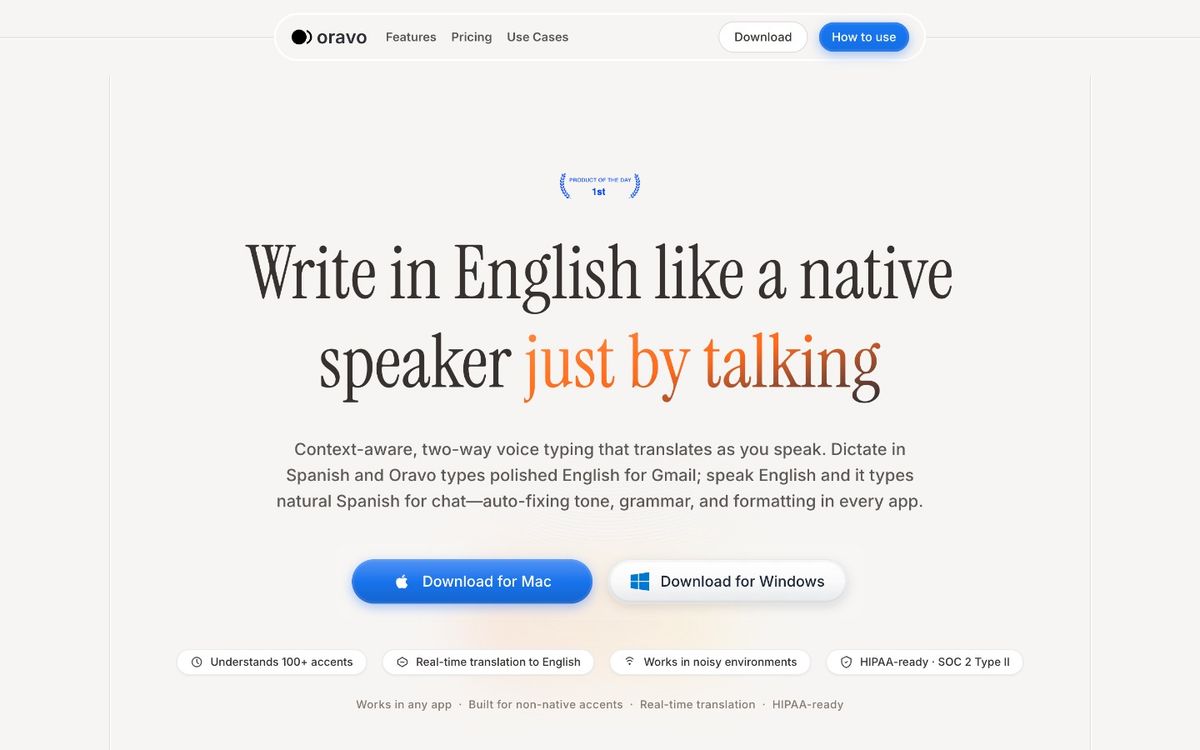
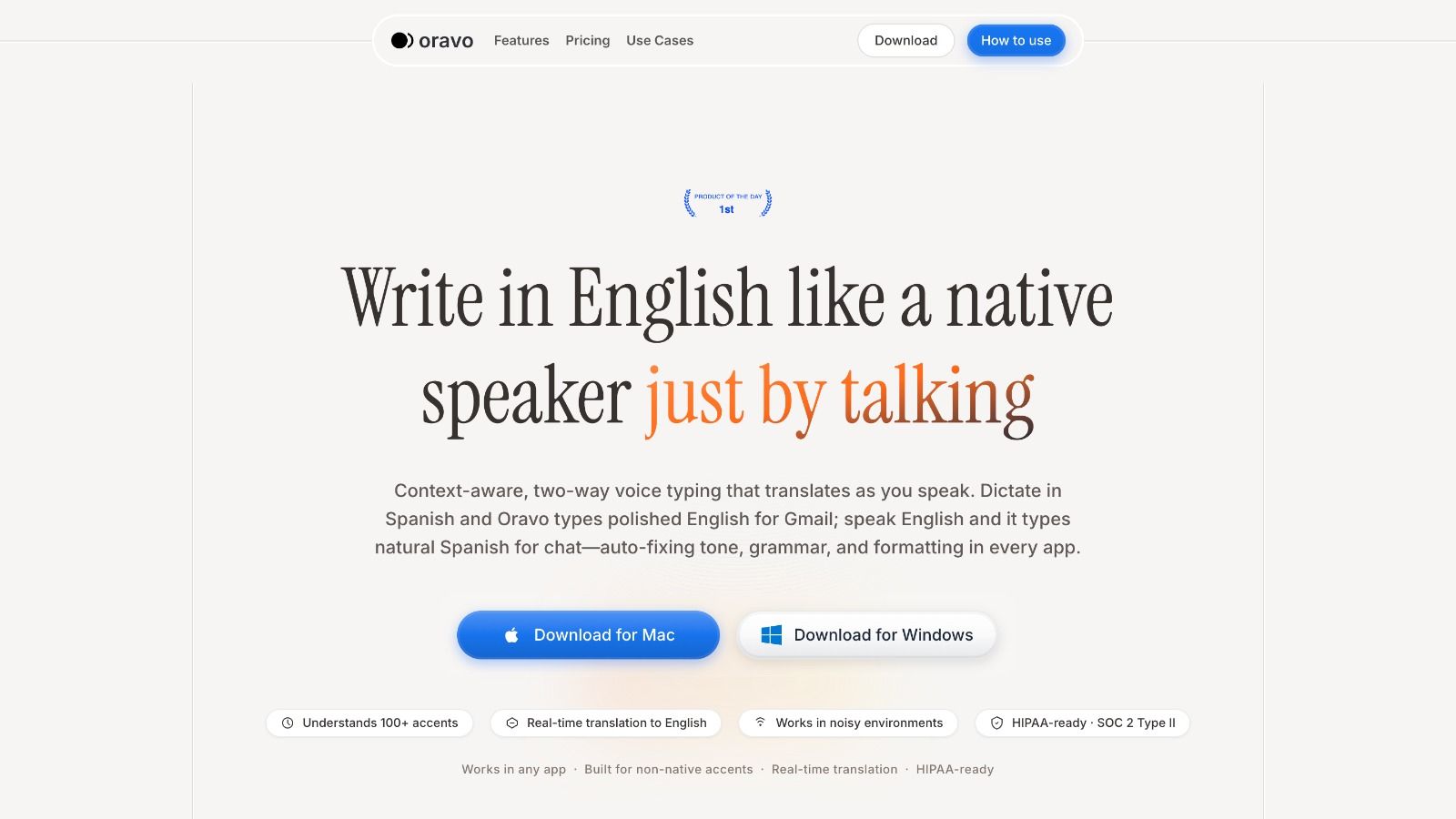
What it does: Oravo works inside any Chrome text field. Activate it, speak, and professional English text appears in the field. The AI layer converts natural spoken input -- with filler words, grammar patterns from your native language, and informal phrasing -- into polished professional English automatically. No correction loop.
Why it leads this list: Among all the tools on this list, Oravo addresses the highest-frequency professional activity (written communication) and delivers the largest daily time saving for the professionals it serves best: non-native English speakers who write in English professionally, and any professional who sends 20 or more emails and messages per day.
The specific value for non-native English professionals is not just speed. It is the quality gap closure -- the difference between typed English that requires self-editing for idiom and register, and spoken English that Oravo converts to professional standard automatically.
Works in: Gmail, Slack Web, Google Docs, HubSpot, Notion, WhatsApp Web, Telegram Web, Outlook Web, and any other Chrome text field.
Install from: oravo.ai
2. Grammarly -- Writing Quality on Autopilot (Saves 10 to 20 Minutes Per Day)
The problem it solves: Grammar and spelling errors, tone mismatches, and clarity problems in professional writing that slip through self-review and create bad impressions.
What it does: Grammarly runs passively in the background of any Chrome text field -- Gmail, LinkedIn messages, Google Docs, Slack -- and surfaces suggestions for grammar, spelling, clarity, and tone in real time. You see the suggestion, accept or reject it, and move on. The free tier covers grammar and spelling. Premium adds clarity, engagement, and tone suggestions.
Why it belongs on this list: Grammarly catches errors that cost professional credibility -- a wrong word here, an aggressive tone there, a confusing sentence that the writer was too close to see. These are not hypothetical risks; they happen in every professional's writing daily. Grammarly catches them passively without requiring deliberate activation.
For non-native English speakers specifically, Grammarly's suggestions often identify L1 grammar transfer patterns -- article misuse, preposition errors, subject-verb agreement issues -- that are consistent enough to be corrected systemically rather than case by case.
Grammarly and Oravo are complements. Oravo handles composition speed. Grammarly handles quality assurance. Together they cover the full professional writing workflow more completely than either alone.
Best for: Any professional who writes in Chrome-based applications and wants passive writing quality improvement without deliberate effort.
3. Todoist -- Task Management Where You Already Work (Saves 10 to 15 Minutes Per Day)
The problem it solves: Tasks and action items mentioned in emails, Slack messages, and web pages that do not make it into your task system because adding them requires switching to a separate app.
What it does: The Todoist Chrome extension lets you add tasks from any webpage with a keyboard shortcut, capture action items from emails in Gmail, and manage your task list without leaving the current tab. Integration with Gmail allows you to turn emails into tasks directly.
Why it belongs on this list: Task capture friction is real. The moment between "I need to do this" and "I will add it to my task list later" is where tasks disappear. Todoist's Chrome extension reduces that friction to a single keyboard shortcut. The Gmail integration is particularly valuable -- turning an email into a task with a due date without leaving Gmail keeps the inbox processing workflow intact.
Best for: Professionals who use Todoist as their task management system and who process a significant volume of tasks through email and web browsing.
4. Clockify -- Time Tracking Without the Overhead (Saves 5 to 15 Minutes Per Day)
The problem it solves: Time tracking for billable hours, project budgets, or personal productivity that is too friction-heavy to do consistently without a browser-based trigger.
What it does: Clockify's Chrome extension adds a timer button to project management tools (Asana, Trello, Jira, GitHub, and others) so you can start tracking time directly from the task you are working on. The one-click activation reduces the friction of time tracking to the point where consistent tracking becomes a realistic habit rather than an aspiration.
Why it belongs on this list: Professionals who bill by the hour or who track project time for budget purposes lose real money or real data to inconsistent time tracking. Clockify's integration with the tools where work happens removes the behavioral barrier that makes manual time tracking fail consistently.
Best for: Consultants, freelancers, and professionals in agencies or project-based organizations who need to track time accurately for billing or project management.
5. uBlock Origin -- Distraction Elimination (Saves 20 to 40 Minutes Per Day)
The problem it solves: Ads, autoplaying videos, tracking scripts, and distracting page elements that interrupt focused work and slow down page loading.
What it does: uBlock Origin is a highly efficient ad and content blocker that removes advertising, tracking scripts, and configurable content elements from webpages. It loads pages faster, eliminates visual noise, and removes the category of distraction that comes from ads and autoplay media.
Why it belongs on this list: The time saving from uBlock Origin is indirect but real. Fewer distractions mean fewer attention interruptions. Faster page loads mean less waiting. The cognitive cost of navigating ad-heavy pages -- particularly on media-heavy research sites -- is non-trivial across a day of web-based work.
uBlock Origin also provides meaningful privacy protection by blocking tracking scripts, which is a secondary benefit with real value for professionals handling sensitive information.
Best for: Every professional who does significant web browsing during their workday. uBlock Origin is the single Chrome extension with the widest applicable audience on this list.
6. Perplexity -- AI Research Without Tab Proliferation (Saves 15 to 30 Minutes Per Day)
The problem it solves: Research tasks that currently require opening multiple tabs, reading multiple sources, and manually synthesizing information into a usable answer.
What it does: Perplexity's Chrome extension provides AI-powered research with cited sources directly in a sidebar or via text highlighting on any webpage. Highlight a term or question on any page, ask Perplexity, and get a synthesized answer with source citations without opening a new tab.
Why it belongs on this list: Research is a constant professional activity. Understanding a term in a contract, finding the current pricing of a competitor, looking up the background of a meeting attendee, verifying a claim in a document -- these micro-research tasks happen dozens of times per day and each one currently requires tab switching, source evaluation, and manual synthesis. Perplexity reduces the most common of these to a 10-second inline query.
Best for: Professionals who regularly encounter terms, concepts, or questions that require quick research -- analysts, lawyers, consultants, sales professionals, journalists, and anyone who processes large amounts of new information daily.
7. OneTab -- Tab Management for Focus (Saves 5 to 10 Minutes Per Day)
The problem it solves: 30 open browser tabs consuming memory, creating visual clutter, and making it impossible to find anything.
What it does: OneTab converts all open Chrome tabs into a single list page with one click. Tabs are closed, memory is freed, and the list is saved for restoration individually or all at once. The tab list persists across browser sessions.
Why it belongs on this list: Tab proliferation is a productivity drain in two ways: it consumes memory and slows the browser, and it creates cognitive overhead -- the sense of unfinished business represented by each open tab adds background mental load. OneTab addresses both with one click.
For professionals who work across many concurrent projects and contexts, the ability to close a context cleanly into a named OneTab list and restore it when needed makes context switching between projects cleaner and less cognitively expensive.
Best for: Professionals who regularly have 15 or more tabs open and experience browser slowdown or find tab navigation disorienting.
The Extensions That Did Not Make This List (and Why)
LastPass / 1Password: Password managers are essential tools, but they are security infrastructure rather than productivity extensions in the workflow sense. They save time on authentication but do not accelerate daily professional output. Covered separately in security tool recommendations.
Loom: Excellent for async video communication, but situational rather than daily-use for most professionals.
Honey / coupon finders: Consumer-focused tools with no professional productivity value.
Tab Suspender tools: Addressed more cleanly by OneTab. Multiple tab management extensions create their own complexity.
AI writing autocomplete tools (Compose AI, etc.): Useful but offer marginal value compared to Oravo for professionals who communicate in voice-first workflows, and limited value for native English speakers who already write fluently.
Building Your Stack: Start Small, Add Deliberately
The productivity tax of maintaining an extension-heavy Chrome installation -- slower browser performance, decision fatigue about which tool to use for a given task, notification noise from multiple extensions -- is real. The most effective productivity Chrome stack is the smallest one that covers your actual daily friction points.
Recommended approach:
Start with Oravo and Grammarly. These two cover the highest-frequency daily activity (professional writing) with the highest combined impact. Use them consistently for two weeks before adding anything else.
Add uBlock Origin immediately. It has zero daily activation overhead and delivers passive value from the moment it is installed.
Add Perplexity if research is a significant daily activity. Add Todoist if task capture is a daily friction point. Add Clockify if time tracking is a professional requirement. Add OneTab if tab proliferation is actively slowing you down.
Do not install all seven at once. Install one, use it until it becomes habit, add the next. Extensions that are installed but not used are overhead without return.
Frequently Asked Questions
What is the single best productivity Chrome extension for a professional?
For most professionals who write significant volumes of email and messages, Oravo delivers the highest daily time saving. For native English speakers who do not have accent-related accuracy concerns with standard voice tools, Grammarly is the highest-passive-value extension. The right answer depends on where your daily time actually goes.
Do these extensions work in browsers other than Chrome?
Most extensions in this list are available for Chrome and Chromium-based browsers (Edge, Brave, Vivaldi, Arc). Oravo is Chrome-optimized. Grammarly works across Chrome, Edge, Firefox, and Safari. uBlock Origin is available for Firefox as well. Check availability for your specific browser on each extension's installation page.
Do productivity Chrome extensions actually improve output or just feel like they do?
The extensions in this list were selected based on measurable time saving rather than perceived productivity. Oravo's time saving is calculable (speaking speed vs. typing speed minus correction loop). Grammarly's error-catching is verifiable. uBlock Origin's page speed improvement is measurable. The extensions that "feel" productive without measurable output improvement were excluded from this list.
Is it safe to use these extensions at work?
Most enterprise IT policies require review and approval of browser extensions that handle work data. Extensions that process text you type (Grammarly, Oravo) or access webpage content (Perplexity, Merlin) interact with work data in the browser. Review your organization's IT policy before installing extensions on a work-managed device. For personal devices used for work, review each extension's data handling terms.
The Bottom Line
Seven extensions. Each one earns more time per day than it costs in setup, maintenance, and cognitive overhead.
Oravo for writing speed. Grammarly for writing quality. uBlock Origin for focus. Perplexity for research. Todoist for task capture. Clockify for time tracking. OneTab for tab sanity.
Start with the three that address your biggest daily friction. Build from there.
The productivity gains from a well-chosen Chrome extension stack are not marginal. For a professional who addresses all seven friction points, the combined daily time saving approaches two hours. That is two hours of administrative overhead converted to actual work -- or to the end of the workday arriving on time.
Start with Oravo -- The Highest-Return Productivity Extension on This List
Start your free trial at oravo.ai
Works in Gmail, Slack, Google Docs, HubSpot, and every other Chrome text field. Free trial, no credit card.
Written by
Dipesh Bhatt
The Oravo team writes about voice typing, productivity and writing clear English when it is not your first language.