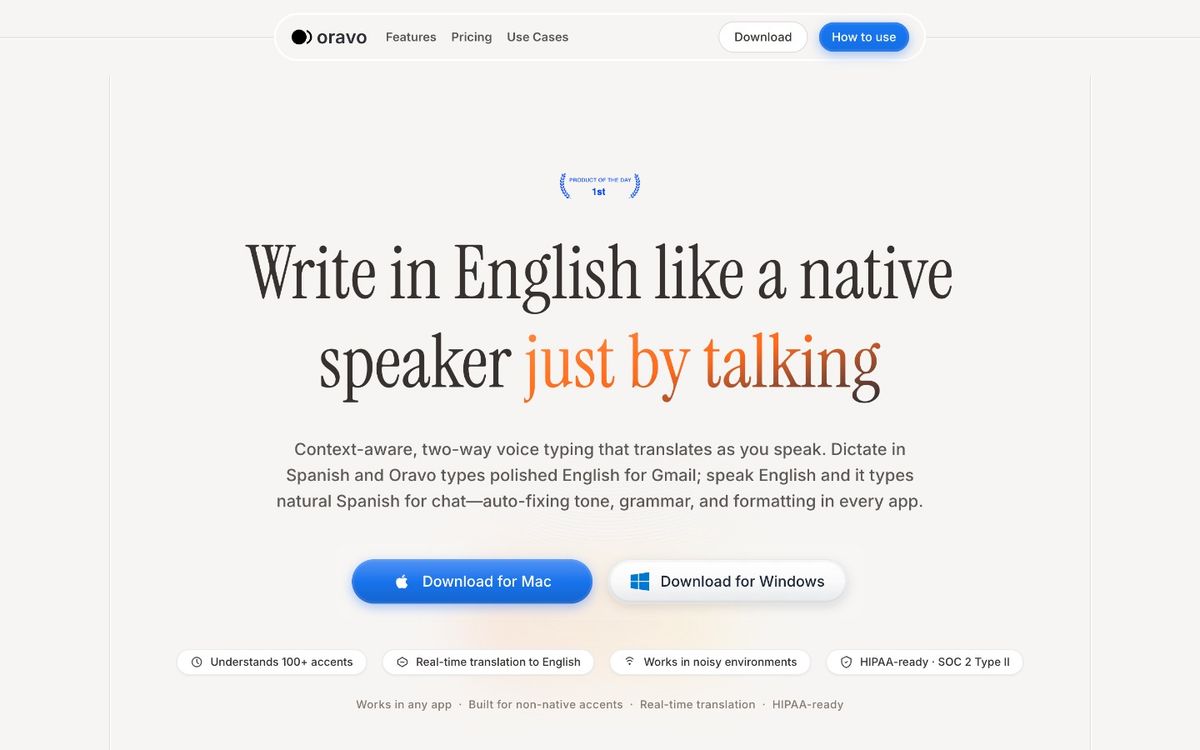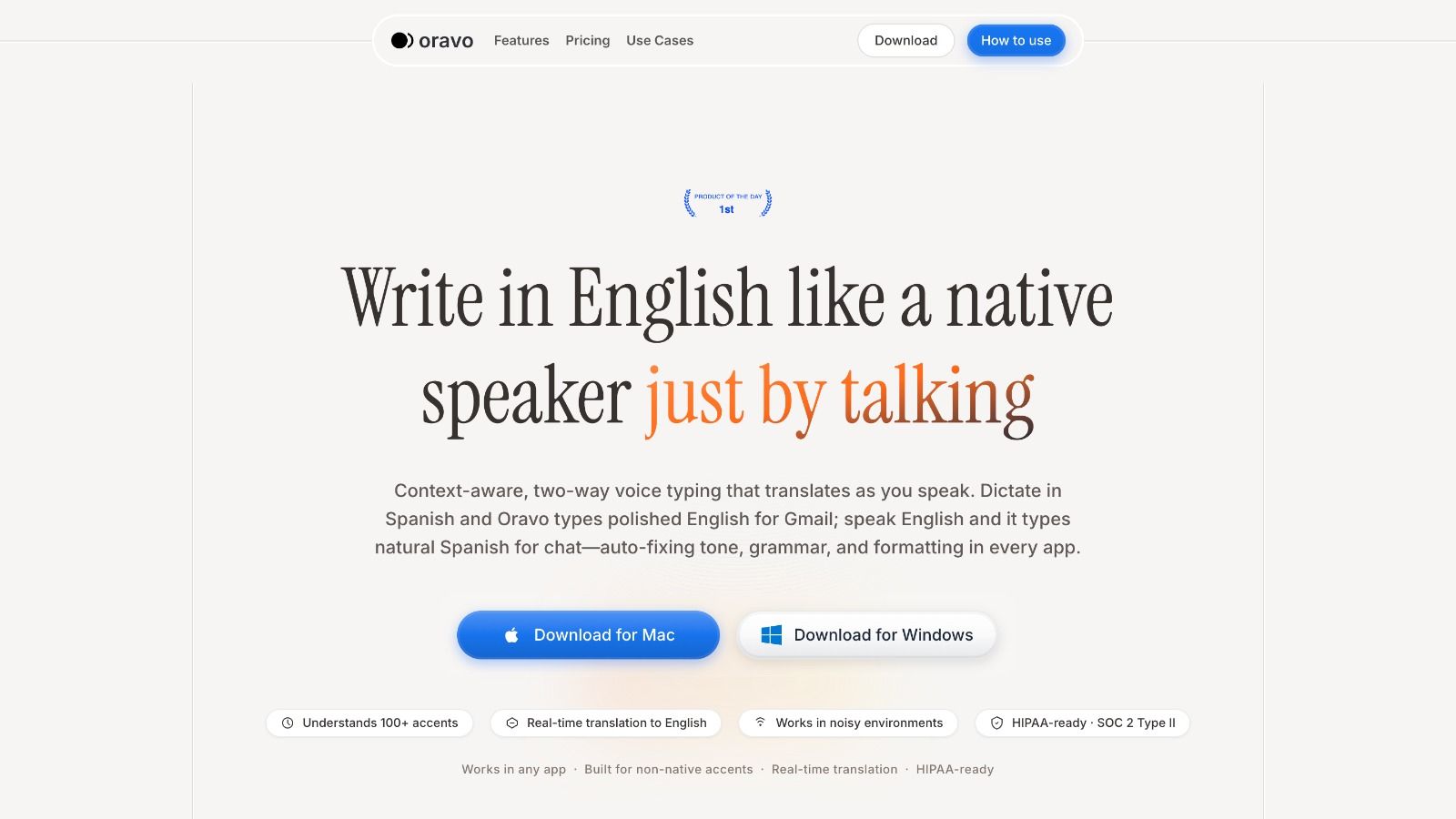
The best AI Chrome extensions for professionals in 2026 are Oravo (AI voice dictation with professional output), Grammarly (writing correction and tone suggestions), Perplexity (AI-powered web research), Merlin (ChatGPT access across any webpage), and Otter.ai (meeting transcription). For non-native English professionals who compose emails, Slack messages, and documents by voice, Oravo is the highest-value AI Chrome extension -- it combines accent-aware speech recognition with professional English refinement to replace the typing and correction loop entirely.
How We Chose These Extensions
The AI Chrome extension space in 2026 is crowded with tools that promise productivity gains and deliver novelty. This list is filtered by one criterion: does this extension save meaningful time in a real professional workflow that a busy person uses daily?
Tools that require significant prompting overhead, tools that add steps rather than remove them, and tools that work impressively in demos but inconsistently in daily use are excluded. Every extension on this list was evaluated on: time saved per use, reliability across sessions, quality of output without manual correction, and specific value for non-native English professionals.
The Best AI Chrome Extensions for Professionals in 2026
1. Oravo -- AI Voice Dictation with Professional Output
What it does: Oravo is a browser-based AI voice dictation tool that works inside any text field in Chrome. You activate it, speak naturally, and professional English text appears in the field -- Gmail, Slack Web, Google Docs, HubSpot, Notion, WhatsApp Web, Telegram Web, or any other browser-based application.
Why it is the highest-value AI Chrome extension for professionals:
Every other AI Chrome extension in this list processes text you have already typed. Oravo eliminates the typing step entirely for professionals who compose significant volumes of written communication daily.
The AI layer is what separates Oravo from basic voice typing. Standard voice typing tools (keyboard microphone, Google Docs voice typing) transcribe raw speech -- what you say goes into the text field exactly as spoken. Oravo's AI refinement layer converts that raw spoken input into polished professional English before it appears in the field.
"So basically I wanted to check in on the project and see if there are any blockers we should know about going into the Monday meeting" becomes "I wanted to check in on the project status and confirm whether there are any blockers we should address before Monday's meeting."
For non-native English professionals -- South Asian, African, Latin American, Southeast Asian -- the accent-aware transcription layer handles diverse accent profiles with materially higher accuracy than standard speech recognition engines. The code-switching support resolves Hinglish, Spanglish, and other multilingual inputs into clean English output.
Time saved per day: 40 to 90 minutes for professionals sending 20 or more emails and messages daily.
Who gets the most value: Non-native English professionals who compose professional communication in Chrome-based applications. Any professional whose daily communication volume makes the typing and correction overhead a significant time cost.
Install from: oravo.ai
2. Grammarly -- Writing Correction and Tone Intelligence
What it does: Grammarly's Chrome extension adds real-time grammar, spelling, clarity, and tone suggestions to any text field in Chrome -- Gmail, LinkedIn, Google Docs, Slack Web, and most other browser-based writing interfaces. The AI layer goes beyond spell-check: it suggests rewordings for clarity, flags passive voice, identifies tone mismatches, and in the premium tier offers style and engagement suggestions.
Why it is genuinely useful for professionals:
Grammarly catches the category of errors that spell-check misses -- correctly spelled words used incorrectly, awkward sentence constructions, clarity problems in long sentences. For non-native English speakers, Grammarly's suggestions often identify L1 grammar transfer patterns that the writer may not have noticed.
The tone detection feature is practically useful for professional email: Grammarly flags when a message reads as more aggressive or more passive than intended, which is a legitimate risk in cross-cultural professional communication.
The limitation: Grammarly is a post-writing correction tool. It improves text after you have written it. It does not speed up writing; it reduces errors in what you have already produced. For professionals whose bottleneck is writing speed rather than error rate, Grammarly addresses the wrong constraint.
Grammarly and Oravo serve complementary functions rather than competing ones. Oravo speeds up the composition step. Grammarly catches anything that slipped through the refinement layer. Together they are a more complete writing workflow than either alone.
Best for: Any professional who writes in Chrome-based applications and wants real-time writing quality feedback.
3. Perplexity -- AI-Powered Web Research
What it does: The Perplexity Chrome extension allows you to highlight any text on a webpage and ask Perplexity's AI a question about it, or to open a research sidebar that provides AI-synthesized answers with cited sources for any research query.
Why it is genuinely useful for professionals:
Perplexity addresses the research workflow that previously required opening multiple tabs, reading multiple sources, and synthesizing the information manually. For professionals who regularly research topics before writing, responding to technical questions, or preparing for meetings, Perplexity's ability to synthesize and cite current information from the web saves meaningful research time.
The cited sources are the key differentiator from ChatGPT-style responses -- Perplexity shows you where the information came from, making it appropriate for professional use where accuracy is verifiable.
The limitation: Perplexity is a research tool, not a communication tool. It helps you find and synthesize information; it does not help you write, speak, or communicate faster. It is complementary to the other extensions in this list rather than overlapping.
Best for: Professionals who do significant web research as part of their work -- analysts, consultants, researchers, content professionals, and anyone who needs to quickly synthesize information from multiple sources.
4. Merlin -- ChatGPT and Claude Access Across Any Webpage
What it does: Merlin is a Chrome extension that gives you AI assistant access (GPT-4, Claude, and other models) on any webpage without switching to a separate tab. Highlight text, press a shortcut, and ask the AI to summarize it, explain it, translate it, or respond to it. Open a floating AI chat from any webpage for quick questions and tasks.
Why it is genuinely useful for professionals:
The context-switching cost of opening a separate ChatGPT or Claude tab, pasting content, waiting for a response, and switching back is small per instance but significant across a day of multiple AI queries. Merlin keeps the AI interaction inline with whatever you are reading or working on.
For professionals who use AI assistance for quick tasks -- summarizing a long email, explaining a technical concept, translating a passage, suggesting a response to a message -- Merlin's inline access reduces the friction enough to make AI assistance a natural part of the reading and writing workflow rather than a deliberate separate step.
The limitation: Merlin's AI responses require manual copy-paste integration with whatever you are working on. It is a query-response tool, not an inline composition tool. For writing professional messages by voice, it does not compete with Oravo. For quick AI queries while browsing and reading, it is the most convenient available option.
Best for: Professionals who use AI assistance regularly for reading comprehension, quick explanations, and ad-hoc queries while browsing.
5. Otter.ai -- Meeting Transcription and Summary
What it does: The Otter.ai Chrome extension automatically joins and transcribes Google Meet and Zoom meetings in Chrome, producing real-time transcripts with speaker identification and post-meeting AI summaries with action items.
Why it is genuinely useful for professionals:
Meeting documentation is a significant post-meeting burden. The time spent writing up meeting notes, identifying action items, and distributing summaries after a one-hour meeting can itself take 20 to 30 minutes. Otter automates the transcription and produces a first-pass summary that reduces post-meeting documentation time substantially.
For professionals who attend multiple meetings per day, the accumulated time saving is meaningful -- particularly for non-native English speakers who find writing up English meeting notes a more cognitively demanding task than attending the meeting itself.
The limitation: Otter's transcription accuracy for non-native English accents in meeting contexts is moderate -- better than most consumer tools but not at the level of a model trained specifically for diverse accents. Meeting transcription in multilingual teams where participants mix languages produces lower accuracy. The AI summaries are useful but require review and correction for high-stakes meeting documentation.
Otter also requires disclosure to meeting participants that the session is being transcribed -- a professional and sometimes legal requirement that adds a step to meeting setup.
Best for: Professionals who attend multiple meetings per day and want automated transcription and AI-generated summaries to reduce post-meeting documentation time.
Extensions Worth Mentioning (But Not in the Top Five)
Loom: Screen and video recording with AI-generated summaries. Useful for async communication but not a daily writing or research tool for most professionals.
Monica: Another ChatGPT access extension similar to Merlin. Solid alternative if Merlin does not suit your preference.
Compose AI: AI writing autocomplete for email and text fields. Useful for native English speakers who want AI-assisted sentence completion. Less useful for non-native speakers where the completion suggestions may not match the writer's intended expression.
Speechify: Text-to-speech for reading web content aloud. Useful for accessibility and for absorbing long-form content faster by listening, not directly a professional writing productivity tool.
How to Build an AI Chrome Extension Stack That Actually Works
The mistake most professionals make with AI Chrome extensions is installing too many without a clear workflow for each. An extension that requires deliberate activation for specific tasks gets used. An extension that you vaguely remember exists does not.
A practical professional stack for 2026:
For composing professional communication faster: Oravo. Activated for every email, Slack message, and document where speed and quality matter.
For catching writing errors after composition: Grammarly. Passive background tool that surfaces suggestions without requiring deliberate activation.
For quick research and information synthesis: Perplexity. Activated when reading something that requires context or when a research query is needed without switching tabs.
For meeting documentation: Otter.ai. Activated at the start of every recorded meeting.
For ad-hoc AI assistance while browsing: Merlin. Activated on demand for quick queries and text analysis tasks.
These five tools cover the primary categories where AI assistance delivers real value for knowledge workers in 2026: composition speed, writing quality, research efficiency, meeting documentation, and contextual AI access. They do not overlap significantly and they each address a distinct daily workflow friction.
Frequently Asked Questions
What is the best free AI Chrome extension for professionals?
Grammarly offers a free tier with core grammar and spelling correction. Merlin has a free tier with limited AI queries per day. Perplexity's basic tier is free. Oravo offers a free trial. For consistent daily professional use, the free tiers of most AI Chrome extensions have usage limits that are reached quickly; paid tiers are the practical choice for heavy users.
Do AI Chrome extensions slow down browser performance?
Some do. Extensions that run background processes on every page load -- particularly those that scan and process page content continuously -- add measurable load to Chrome's memory and CPU usage. The extensions in this list are generally activation-based rather than always-on, which reduces performance impact. If browser performance is a concern, install only the extensions you will actively use and disable those you rarely activate.
Are AI Chrome extensions safe to use for confidential professional work?
Each extension processes data through its own cloud infrastructure. For work involving confidential client information, proprietary business data, or regulated information (medical records, legal documents, financial data), review the privacy policy and data handling terms of each extension before use. Many enterprise organizations have acceptable use policies for third-party AI tools that apply to browser extensions. When in doubt, check with your IT or compliance team.
Can I use multiple AI Chrome extensions simultaneously?
Yes. The extensions in this list are designed to be complementary rather than conflicting. Oravo handles voice composition. Grammarly handles post-composition correction. Perplexity handles research. They operate in separate activation contexts and do not interfere with each other in typical use.
Which AI Chrome extension delivers the most value for non-native English professionals specifically?
Oravo delivers the highest value for non-native English professionals among AI Chrome extensions. The combination of accent-aware transcription and professional English refinement addresses the specific pain point of producing professional English written communication from non-native English speech -- a pain point that Grammarly, Perplexity, and Merlin are not designed to address.
The Bottom Line
AI Chrome extensions in 2026 range from genuinely transformative to impressively marketed but marginally useful. The five extensions in this list earn their place by saving real time in workflows that professionals repeat daily.
Oravo leads the list because it addresses the highest-frequency professional activity -- written communication -- with the highest time saving and the deepest value for the largest underserved audience: non-native English professionals who compose professional messages in Chrome-based applications all day.
Grammarly, Perplexity, Merlin, and Otter.ai each address a distinct workflow friction that the others do not. Together, they cover the AI assistance needs of most knowledge workers without overlap or redundancy.
Install what you will use. Use what you install. Start with Oravo if writing speed and quality are where your day goes.
Try Oravo Free -- The AI Chrome Extension That Closes the Writing Gap
Start your free trial at oravo.ai
Works in Gmail, Slack, Google Docs, HubSpot, Notion, WhatsApp Web, and any other browser text field in Chrome.
Written by
Dipesh Bhatt
The Oravo team writes about voice typing, productivity and writing clear English when it is not your first language.