Type 4x Faster in English With Your Hindi Accent
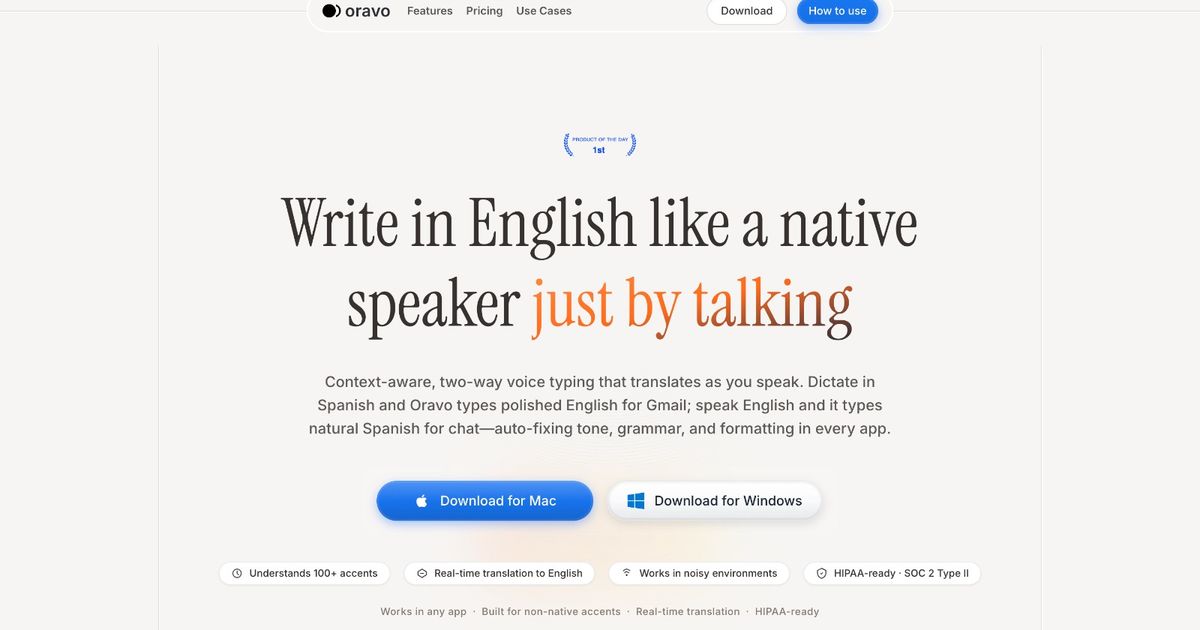
Voice typing in English works, but only if the software understands your accent. If you speak English with a Hindi accent, tools like Microsoft Dictate and Google Voice Typing will misfire constantly. They're trained on American and British voices, not yours. Oravo is built specifically for Hindi-speaking professionals who work in English every day.
Why Voice Typing in English Doesn't Work for Hindi Speakers
You've been there. You speak slowly. You enunciate every word. And the software still types "please send the MIS report" as "please send the miss report."
This isn't a language problem. Your English is fine. It's a data problem.
Microsoft Dictate, Google Voice Typing, and Apple Dictation are trained on a narrow band of native English speech, primarily American and British accents. Hindi-accented English sits outside that band. So the software guesses wrong, constantly.
Here's what goes wrong for Hindi speakers specifically:
- Retroflex sounds (like the "d" in "data" or "t" in "report") get misread
- Indian English stress patterns (where emphasis lands on different syllables) confuse the model
- Hindi proper nouns and place names get mangled ("Hyderabad" becomes "hide-a-bad")
- Industry terms in IT, finance, and pharma get substituted with phonetically similar but wrong words
- You spend more time fixing errors than you saved by dictating
The result: you type manually. You work slower than you should. And your international colleagues who dictate in native English have a productivity edge that has nothing to do with ability.
What Standard Tools Actually Support Hindi Voice Typing in English
Let's be direct about what the major platforms offer and where they fall short.
Microsoft Dictate (Windows): Supports English transcription, but its accent model is optimized for American English. Hindi-accented English frequently produces errors on retroflex consonants and compound words common in Indian professional contexts. There's no accent calibration feature.
Google Voice Typing: Better than Microsoft for Indian accents; Google has more diverse training data. Still produces errors on technical vocabulary, proper nouns, and longer sentences. Accuracy drops significantly in noisy environments like open offices.
Apple Dictation: Similar limitations. Works reasonably well for short, simple sentences. Struggles with the rhythm and cadence of Indian English, especially at normal speaking pace.
None of these tools let you train the model on your voice. They give you a fixed model and ask you to adapt to it, not the other way around.
How Oravo Works for Hindi-Speaking Professionals
Oravo is a voice-to-text platform built for global professionals, specifically people who work in English but didn't grow up speaking it.
Its accent model was trained on South Asian English speakers, including Hindi, Bengali, Telugu, and Tamil accents. It doesn't ask you to speak differently. It learns to understand you.
What makes it different:
- Accent calibration: You speak five sample sentences on setup. The model adjusts to your specific voice and rhythm, not a generic profile
- Context vocabulary: Add your industry's terminology (IT, finance, pharma, manufacturing) and it won't mangle technical terms
- Real-time correction: Errors are caught and fixed as you speak, not after
- Works system-wide: Gmail, Outlook, Slack, Notion, Google Docs, VS Code, Salesforce, Excel: any text field on your computer
- No language-switching required: Speak at your natural pace, in your natural cadence
Step-by-Step: How to Start Voice Typing in English With Oravo
Getting started takes less than five minutes.
Step 1: Create a Free Account
Go to oravo.ai and sign up. No credit card needed. The free tier is enough to properly test it.
Step 2: Download the Desktop App
Oravo runs on Windows and Mac. Install the app. It sits quietly in the background and activates when you need it.
Step 3: Run Accent Calibration
On first launch, Oravo asks you to read five sentences aloud. This takes 60 seconds and trains the model to your specific voice. Do this somewhere quiet. It matters.
Step 4: Add Your Industry Vocabulary
Go to Settings → Vocabulary. Add terms specific to your work. If you're in IT: "Kubernetes," "API," "sprint review." If you're in finance: "EBITDA," "reconciliation," "provisioning." This step dramatically improves accuracy for professional use.
Step 5: Activate and Speak
Use the keyboard shortcut (you set this) to activate Oravo in any app. Start speaking normally. Your words appear, accurately.
Tips for your first week:
- Don't slow down or over-enunciate. Speak the way you normally would. Artificial slowness confuses the model
- Use complete sentences, not fragments. Oravo handles pauses well
- After each session, open the corrections panel and flag any persistent errors. The model learns from these
- If accuracy on a specific word is low, add it manually to your vocabulary list
Most users hit their stride in 5–7 days. By week two, it stops feeling like a tool. It feels like thinking out loud.
Why We Built This
From the Oravo team:
When I started my first job at a multinational, my English was strong. Years of school, exams, reading, writing. I was confident.
But the first time I tried dictation software, I felt like a beginner again.
My British manager could dictate an entire project update in under a minute. I would spend three minutes typing the same thing, or two minutes fixing what the software got wrong. Same information. Same professionalism. Completely different experience.
I asked a senior colleague about it. His answer stuck with me: "These tools weren't built for us."
He was right. The models were trained on American and British English. Our accents, our rhythms, our way of speaking English fluently but differently. The software just did not account for it.
That gap is what Oravo closes. Not by asking you to sound different. By building software that actually understands how you sound.
Oravo vs. Generic Voice Typing vs. Manual Typing
Feature
Oravo
Generic Voice Typing (Windows / Google)
Manual Typing
Accuracy for Hindi-accented English
High (90%+)
Low–Medium (50–70%)
High
Speed vs. typing
3–4× faster
1–2× faster (after corrections)
Baseline
Works without re-editing
Yes
Frequent fixes needed
Yes
Accent calibration
Yes, personalized
No
N/A
Custom vocabulary (IT / finance / pharma)
Yes
Limited
Yes
Works across all apps
Yes
Limited to some apps
Yes
Real-time error correction
Yes
Post-dictation only
N/A
Free to start
Yes
Yes
Yes
Built for South Asian professionals
Yes
No
N/A
The time math: if you type for 90 minutes a day and Oravo saves you 60 of those minutes. That is 5 hours back every week. Half a workday, every week.
Who Uses Oravo in India
IT and software professionals use it to write emails, Slack messages, Jira comments, and technical documentation without breaking focus from coding.
Finance and banking analysts use it to draft client emails, reports, and meeting notes, especially when English is mandatory but Hindi is how they think.
Pharma and healthcare professionals use it to document case notes, draft regulatory submissions, and write internal reports faster.
Founders and startup teams use it to produce content, proposals, and investor updates at the speed of thought, not the speed of typing.
BPO and customer success professionals use it to log call notes in real-time, the moment a conversation ends, while details are still fresh.
The common thread: these are fluent English speakers who work hard. They just need tools that keep up with them.
Common Questions
Will Oravo understand Indian English pronunciation? Yes. The model was trained on South Asian English including Hindi, Bengali, Telugu, and Tamil accents. Indian English phonetics, including retroflex sounds and Indian stress patterns, are accounted for.
What if I sometimes use Hindi words mid-sentence? Oravo transcribes English. Hindi words won't carry over. But the rhythm and cadence of Indian English, including the patterns that come from Hindi as a first language, are handled well.
Does it need internet to work? Yes. Oravo processes in real-time via the cloud. Audio is not stored. Only the transcribed text is used to improve your personal model.
Does it work in regional accents within India? Yes, with calibration. The accent profile setup handles variation between Hindi speakers from UP, Maharashtra, Punjab, and other states. The more you use it, the better it gets for your specific voice.
Is there a free plan? Yes. No credit card required. The free tier is enough to test it thoroughly and make an informed decision.
The Bottom Line
Voice typing in English should work for Hindi speakers. It doesn't with most tools, not because your English isn't good, but because the software wasn't built with you in mind.
Oravo was. The accuracy is real. The speed gains are real. And it gets better the more you use it.
If you've tried Windows Dictate or Google Voice and given up, give this one session. You'll know within 15 minutes whether it works for you.
Try Oravo Free
Go to oravo.ai, create your account, and run the accent calibration.
Open Gmail. Open Slack. Open any app. Start speaking.
Most people who try it don't go back to full manual typing.