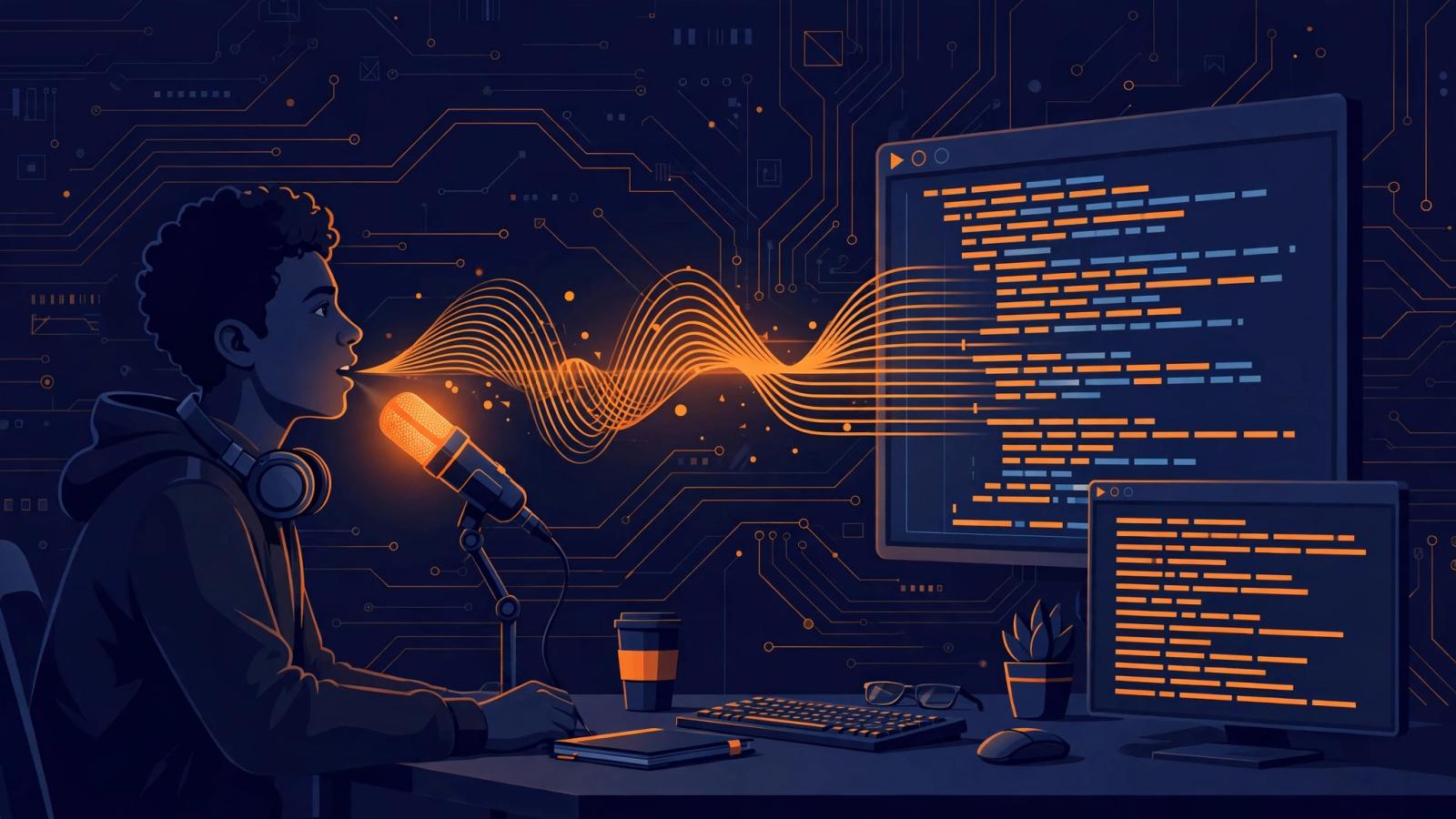
Let's get the honest premise out of the way first: almost nobody dictates raw code, and nobody should try. Spoken Python is a bad idea. Braces, indentation, and the exact spelling of a variable that doesn't exist yet are all jobs for your fingers.
What developers actually dictate is everything around the code. Prompts to coding agents. Commit messages. PR descriptions. Code review comments. Design docs. Incident timelines. That is a bigger share of a developer's writing than most people admit, and it is all prose. Prose is exactly where voice typing wins.
The short answer
Voice typing helps developers with the written work that surrounds programming: dictating prompts to tools like Claude Code, Cursor agent mode, or Copilot Chat; writing commit messages and pull request descriptions; leaving detailed code review comments; and drafting documentation and design docs. It falls short for raw code, exact syntax, and noisy open offices. In terminal windows on macOS, the built-in dictation doesn't work at all, so developers there need an OS-level tool or a terminal with voice input built in.
1. Dictating prompts to coding agents
This is the biggest single use case, and it barely existed two years ago. A growing share of developers now spend their day directing coding agents: describing the change they want, answering the agent's clarifying questions, reviewing diffs, asking for revisions. Nearly all of that is prose, and a prompt of three sentences spoken at natural speed lands in a fraction of the time typing takes.
The workflow most developers settle on is speak, read, send. Press the hotkey, describe what you want, release, read the transcription, then send it. The reading step matters. Dictation is 99% accurate at best, and the wrong 1% in a prompt ("delete the users table" instead of "delete the user's table") is the expensive kind. Some tools formalize this: AgentsCommander, an open-source agent manager, offers an optional delay between transcription and auto-execution so you can scan the text before the agent acts.
One practical detail worth knowing: prompts read better spoken aloud than typed. When you type, you truncate your thinking to save keystrokes. When you speak, you explain fully, and coding agents do better work with fuller explanations. A developer dictating "the checkout flow is failing for users with expired cards, and I think it's because the retry logic runs before the validation step, so reorder them and add a test for the expired-card path" gets a better result than typing "fix checkout retry bug." The verbosity is the feature.
2. Commit messages and pull request descriptions
Ask any maintainer what makes a good PR: a clear title, a description of what changed and why, and enough context for a reviewer who wasn't in the room. Most PR descriptions are thin because writing them feels like paperwork after the real work is done. Voice typing turns that paperwork into a 30-second spoken summary.
A conventional commit message dictates cleanly: say "feat payments colon add retry logic for failed card charges" and the tool renders feat(payments): add retry logic for failed card charges. For a PR body, speak the three things reviewers need: what changed, why, and how to test it. The habit that sticks is dictating the description while the diff is fresh, before context switching to the next task.
The catch with all of this is jargon. Every codebase has its own vocabulary: service names, feature flags, abbreviations, product names. Plain dictation will hear "Kafka" as "cafca" and your team's internal service name as a common noun. This is where a custom dictionary earns its place. Tools that let you register vocabulary (Oravo includes a custom dictionary on its free tier; the open-source Hanzo project has per-app domain vocabulary) turn a week of misheard terms into a trained system. Teach it your stack once. Worth the five minutes.
3. Code review comments and technical writing
Code review comments are where dictation quietly saves the most time. A thoughtful review is paragraphs long: the specific concern, why it matters, a suggested alternative, the trade-off. Writing those comments by keyboard, five or six times a day, is slow enough that many developers shorten their feedback. Speaking a full comment takes seconds, and reviewers who receive complete explanations approve faster.
The same applies to the longer-form writing developers do: RFCs and design docs, READMEs, runbooks, post-incident timelines. After an incident, the timeline writes itself faster when you dictate the sequence of events while looking at the logs. For an RFC, speaking the problem statement first and editing second gets the draft started in a way that staring at a blank page doesn't.
The terminal problem (macOS users, read this)
Here is the gotcha that surprises people. On macOS, the built-in dictation (press the microphone key twice) does not work in terminal windows. It fails silently in iTerm2 and WezTerm; WezTerm has an open feature request for it dating back years. The limitation is architectural: macOS dictation inserts text through a mechanism most terminal emulators don't implement.
So if your workflow is "dictate into Claude Code running in the terminal," the built-in option gives you nothing. There are three real fixes:
- Switch to a terminal with voice input built in. Warp is currently the only terminal with native voice input; its docs say it uses Wispr Flow for transcription and works across the command input, find dialog, and agent mode.
- Use an OS-level dictation tool. Apps like Wispr Flow ($15/month, stated pricing) and open-source options like TalkType intercept at the OS level, so they work in terminals, IDEs, and browsers alike. Oravo takes the same approach: it works anywhere the cursor is, on Mac and Windows, which is what puts dictation into a terminal window on macOS.
- Dictate elsewhere and copy. Dictate the prompt in a scratch window, read it, paste it into the terminal. Clumsy, but free and it works with anything.
On Windows and Linux the built-in situation is better, but the same principle applies: if your dictation tool only works in certain apps, your terminal workflow breaks. Check terminal compatibility before committing to any tool.
Picking a tool: an honest comparison
There is no single right answer; it depends on what you value and how much setup you tolerate.
Price; Built-in OS dictation: Free; Open-source tools: Free; Oravo: Free 5,000 words; Pro $9.99/mo or $99/yr; Wispr Flow: $15/mo (stated)
Works in terminals; Built-in OS dictation: No on macOS; Open-source tools: Yes (TalkType, Hanzo); Oravo: Yes; Wispr Flow: Yes
Polished, punctuated output; Built-in OS dictation: Basic; Open-source tools: Varies; some need setup; Oravo: Yes, with custom dictionary; Wispr Flow: Yes, handles dev jargon
Privacy; Built-in OS dictation: On-device or OS vendor; Open-source tools: Local transcription options (TalkType, yohoho, Hanzo, Vacanam); Oravo: Zero data retention; HIPAA-ready; Wispr Flow: Cloud-processed
Setup effort; Built-in OS dictation: None; Open-source tools: Build and configure (some need a GPU); Oravo: Install and press hotkey; Wispr Flow: Install and press hotkey
Who should pick which: stick with the built-ins if you only dictate the occasional Slack message or email and never touch a terminal. Pick an open-source tool like TalkType or Vacanam if you want local transcription and don't mind setup, and your threat model says voice should never leave the machine. Pick a paid system-wide tool if you want polished output everywhere, including terminals, with no configuration. The free tiers of the paid tools are the sensible starting point; you will know within a week whether the workflow sticks.
Where voice typing honestly falls short
A fair article should name the limits, so here they are.
Raw code is not a dictation job. Speaking punctuation ("open brace, new line, indent four, if user dot is admin open paren close paren colon") is slower than typing it. Every experienced voice-coding experiment, from Talon to Cursorless, ends up as a hybrid: voice for intent, keyboard for syntax. The articles that pretend otherwise are selling something.
It adds a review step. Dictation is fast to produce and slightly slower to verify. Reading a transcribed prompt takes a few seconds, and skipping that step is how typos ship into commit history. Budget the review time; the net is still positive, but it is not zero.
Noisy environments degrade it. Dictating a detailed code review comment in an open office is a social problem before it is a technical one. A good headset mic with noise reduction handles the audio; it does not handle the colleague at the next desk. Voice typing is a home-office and private-workspace tool for most developers.
Accents and rare terms need training. Modern speech models handle accents far better than the Dragon NaturallySpeaking era, but unusual surnames in author fields, project code names, and non-English technical terms will mishear until you register them. The custom dictionary is not optional decoration; it is part of the setup.
Starting this week
If you're a developer curious about voice typing, the lowest-risk experiment is one week, one workflow. Pick the writing you do most: prompts to your coding agent, PR descriptions, or review comments. Dictate just that, speak-review-send every time, and register your project's jargon in the custom dictionary on day one. By Friday you'll know whether it's a habit or a novelty.
If you want a system-wide option that works in terminals and IDEs, Oravo's free tier covers 5,000 words with no credit card, which is more than enough for a week-long trial of the workflow above.
Written by
Raju Yadav
The Oravo team writes about voice typing, productivity and writing clear English when it is not your first language.