If you searched for a Speechify voice typing alternative, pause for one question: what do you actually want the app to do?
Most people land here for one of two reasons. Either they want text read aloud to them (audiobooks, PDFs, web articles), or they want to talk instead of type (emails, messages, notes). Speechify is excellent at the first one. That is its whole identity: a text-to-speech app. It added voice typing, the speech-to-text feature, as a secondary tool in late 2025. This guide is for the second group, the people who want their voice turned into written words. If you want things read to you, stop here: you want Speechify itself, or a reading app like ElevenLabs Reader or NaturalReader.
For everyone who wants to write by talking, here is the honest picture: Speechify's voice typing is free and unlimited, and for many people it is all they need. This article covers what it does well, where it falls short in daily use, the real alternatives worth comparing, and the cases where paying for a dedicated dictation app makes sense.
What Speechify's voice typing actually is
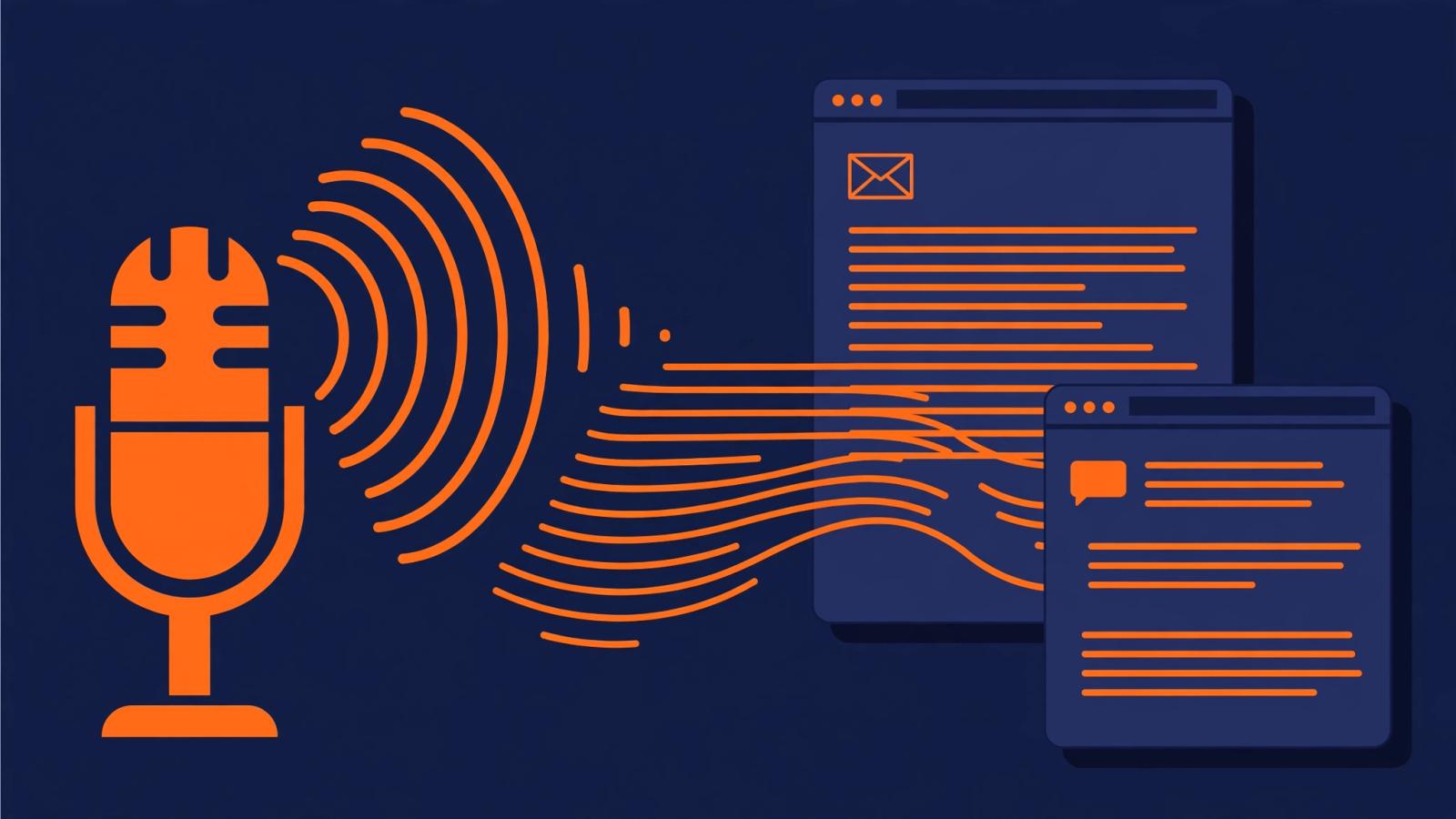
Speechify is famous for reading. The voice typing side is newer: it arrived in the Chrome extension in late 2025, then as an iPhone keyboard and a Mac desktop app you launch from the dock with a shortcut. The idea is the same as any dictation tool. You speak, and the app types clean text wherever your cursor is.
Two things make it stand out, and both are real.
First, it is free with no usage limits. Speechify states this plainly on its own blog: no feature limits, no weekly word cap. That is genuinely unusual. Most dictation apps ration their free tier (more on that below). If your dictation habit is light, a few emails and messages a day, Speechify's voice typing may be the only free option you ever need.
Second, it does AI cleanup as you speak. Filler words get removed, grammar gets fixed, punctuation gets added automatically. You can ramble a little and the text that lands is already presentable. That puts it a clear step above the built-in dictation in Google Docs or Windows, which transcribe your "ums" faithfully.
In practice, the iPhone keyboard is the most useful piece. Install it once in Settings, and you can dictate inside any app: iMessage, Gmail, Slack, Notes. On a Mac, you hold the shortcut, talk, and the text appears. The Chrome extension drops a microphone control into text fields on websites like Gmail and Google Docs.
Where it honestly falls short
Free and unlimited is a strong opening, but a few gaps show up once you use it daily.
Accuracy has been the recurring question. When the Chrome extension launched, early independent testing found its word error rate noticeably higher than dedicated dictation apps like Wispr Flow and Willow Voice, and some websites (WordPress was one named example) had trouble recognizing the dictation at all. Speechify said its model improves with use and that it would add site-by-site fixes over time. That was the launch state; it has had months to improve since, but accuracy is where dedicated dictation companies spend all their engineering, and it shows in the results.
It launched English-first. If you dictate in Spanish, Hindi, French, or anything else, a tool that launched with English-only voice typing is a risky foundation. Check current language support before committing.
It is one feature inside a reading product. This is the structural point, and it matters more than any single missing feature. Speechify's roadmap is driven by its core business: reading text aloud. Voice typing will always be the second priority for product decisions, polish, and fixes. That is not a criticism of the company; it is just how secondary features work. When your main writing tool is someone else's side project, small frustrations tend to stay unaddressed.
Privacy is worth a look. Speechify is a consumer app built for convenience, not a privacy-first dictation tool. If you dictate client names, medical details, or anything sensitive, check what happens to your recordings. Oravo, for example, is built push-to-talk (the microphone is only open while you hold the key), keeps zero recordings or transcripts, and is HIPAA-ready with SOC 2 Type II certification. That is a different design philosophy, and it matters to some people more than any feature.
The real alternatives, compared
If you decide Speechify's voice typing is not enough, here is what the serious options look like as of 2026. All of them are dictation-first products: this is their main job, not a side feature.
Tool: Speechify Voice Typing; Free tier: Free, unlimited; Monthly price: $0; Worth knowing: Best value if it works for you; accuracy and languages are the question marks
Tool: Wispr Flow; Free tier: 2,000 words/week; Monthly price: Stated $15/mo, $12/mo billed annually; Worth knowing: The best-known dedicated dictation app; 100+ languages stated
Tool: Willow Voice; Free tier: 2,000 words/week; Monthly price: Stated $15/mo (or $12 annual); Worth knowing: Enterprise polish; often compared head-to-head with Wispr Flow
Tool: Superwhisper; Free tier: Has a free tier; Monthly price: Paid tiers above it; Worth knowing: Mac-first; a favorite with writers and developers
Tool: Oravo; Free tier: 5,000 words free; Monthly price: $9.99/mo or $99/yr; Worth knowing: 60+ languages with real-time translation; push-to-talk; 14-day Pro trial, no card
Prices are as stated on each company's site in 2026 and can change; check before you pay.
A few honest notes on this table. Wispr Flow and Willow are the established answers and the ones most people compare first. Superwhisper is the pick if you live on a Mac. Oravo is the newer option: about a third less than Wispr's $15 monthly price, with 60+ languages and real-time translation (useful if you ever dictate in more than one language), and it works wherever the cursor is instead of inside one app's window.
Notice the free tiers. Speechify is unlimited. Everyone else meters free use: Oravo gives you 5,000 words free, Wispr Flow and Willow give 2,000 words a week. If you dictate a lot and never want to pay, Speechify's free tier is genuinely the best deal on the internet for dictation. No shame in that.
When you should not switch
Stay with Speechify's voice typing if any of these are true:
- You dictate in English only, in a handful of apps, and the accuracy is good enough for your ears.
- Your dictation volume is high and your budget is zero. Nothing else on this list matches unlimited free.
- You already use Speechify for reading and like keeping everything in one app.
An article that always concludes "switch to ours" is not a guide, it is an ad. Speechify's voice typing is a legitimate tool, and for a lot of people the search for an alternative should end with: you already have one that works.
When switching actually pays off
Pay for a dedicated dictation app when the free option costs you in a different currency: time, accuracy, or language.
You dictate in more than one language. This is the clearest reason. A dictation tool built for 60+ languages with real-time translation, like Oravo, will beat an English-first add-on every time. If you write emails in English and messages in another language, test this on day one.
You dictate where privacy matters. Client calls, patient notes, anything with names and numbers. A push-to-talk design with zero retention is built for that life; a consumer reading app with unclear recording storage is not.
You are tired of editing. Every dictation app claims high accuracy; what matters is how much cleanup you do after. Oravo states 99% accuracy with sub-300ms latency, which in practice means the text appears as you finish speaking and you rarely touch it. The only way to judge this for any app is a week of your own real use, not a marketing page. Use the free tiers and trials for exactly that.
You want tone that fits the app. Dictating a Slack message and a formal email should not produce the same voice. Oravo adapts its tone to the app you are in: casual in messages, formal in email. It is a small thing until you stop re-editing every dictated email.
If any of that describes you, the free tier covers real testing: 5,000 words, no credit card, and a 14-day Pro trial if you want the full picture. Try Oravo's free tier and dictate your next email with it.
FAQ
Can Speechify do voice typing? Yes. Speechify added voice typing (speech-to-text) in late 2025: an iPhone keyboard, a Mac desktop app, and a Chrome extension. It is free with no usage limits and includes AI cleanup of filler words and grammar. It is separate from Speechify's main product, which is text-to-speech reading.
Is Speechify voice typing really free? According to Speechify's own blog, yes: no feature limits, no usage caps. That makes it one of the most generous free dictation options available. The paid Speechify Premium plan ($29/month billed monthly) is for the reading features, not the voice typing.
What is the difference between Speechify and a dictation app? Speechify's core product converts text into audio so you can listen. A dictation app converts your speech into written text so you can write. They are opposite directions of the same voice technology, and they solve different problems. Speechify's voice typing feature is its bridge into dictation, but dedicated apps like Wispr Flow, Willow, and Oravo build dictation as their primary product.
Which is better, Speechify or Wispr Flow, for dictation? For pure dictation, Wispr Flow has the edge in the ways that matter: it is a dictation-first product with a stated 100+ language coverage, while Speechify's voice typing is a secondary feature that launched English-first with reported early accuracy gaps. But Speechify is free and unlimited, and Wispr Flow's free tier caps at 2,000 words a week with a stated $15/month price. If Speechify's accuracy is good enough for you, the price difference is hard to argue with.
Written by
Raju Yadav
The Oravo team writes about voice typing, productivity and writing clear English when it is not your first language.