Otter.ai Alternative for Dictation? First, Name the Job You're Hiring For
Short answer: Otter.ai is not a dictation app, and there is no dictation app that replaces what Otter does. Otter records other people talking in a meeting and hands you notes afterward. A dictation app types what you say into whatever app is open. If you searched for "Otter.ai alternative for dictation," you almost certainly want the second one, and the best guide is one that stops pretending they're the same thing.
The one-sentence test
Ask yourself: "Who is doing the talking, and who does the reading?"
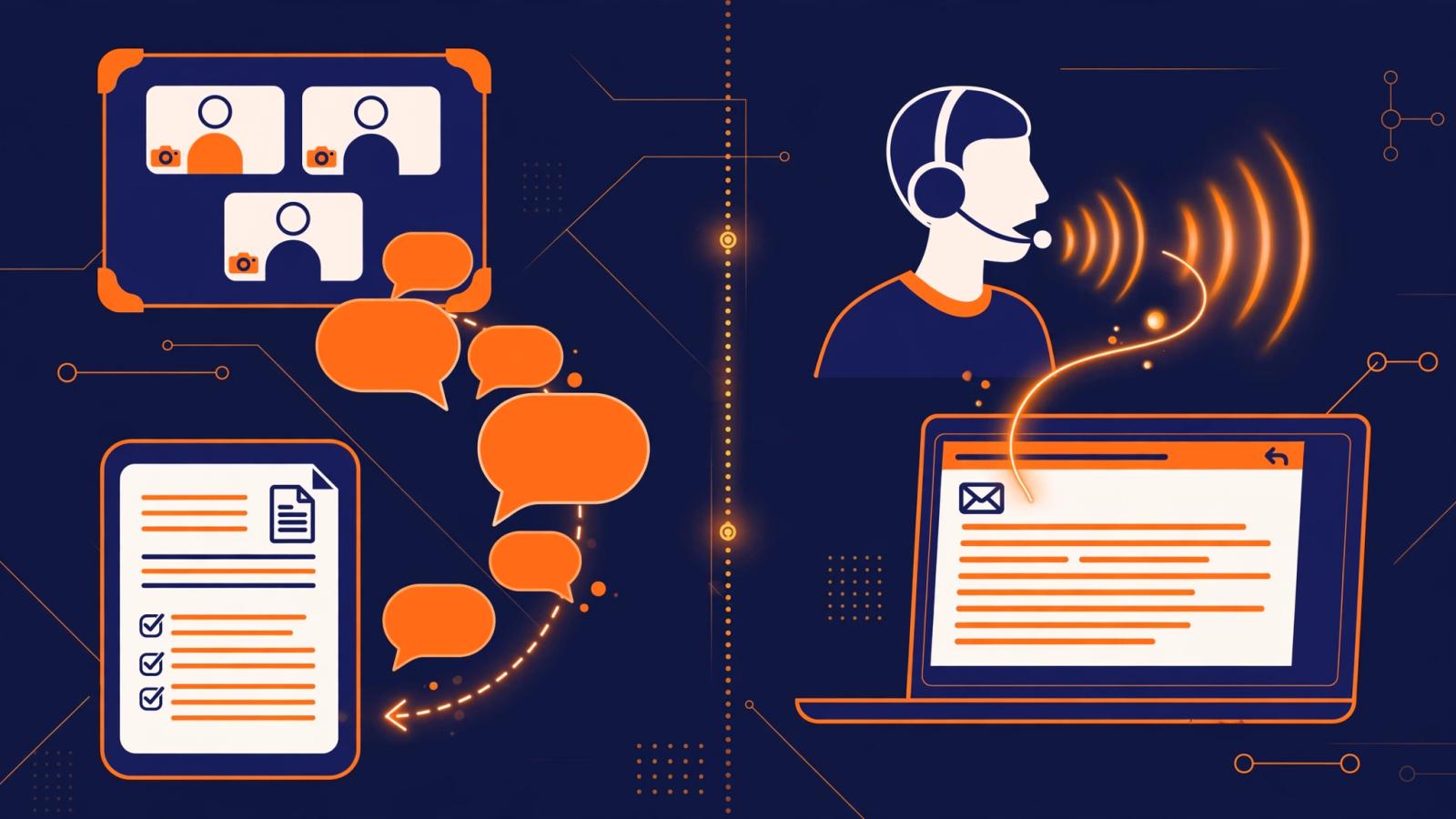
If a group of people is talking on a call and you read the notes later, that's transcription. If you are talking and the computer writes your words for you right now, that's dictation. The tools look similar in a Google search because both turn speech into text. In practice they point in opposite directions.
A day with Otter
Picture a normal Tuesday. Your calendar has a 9 a.m. standup on Google Meet. If you connected Otter's calendar integration, its meeting assistant joins the call on its own, under a name like "Otter.ai," and sits there quietly recording. You barely notice it until the call ends and an email arrives: a transcript with each speaker labeled, a short summary, and a list of action items pulled from what people said.
That afternoon you need to remember what the client actually agreed to about pricing. You open Otter's web app, search "pricing," and jump straight to the moment your manager said it. Thursday you're running late, so you let Otter attend a call you skip and read the summary after.
Notice what you never do in that story: you never talk to Otter. You're one of several people in a room (a virtual one), and Otter documents what happened so you don't have to take notes.
Otter publishes a free tier of 300 transcription minutes a month, with paid plans reportedly starting around $17 a month billed monthly (pricing pages change, so check the current one). The free and mid tiers are aimed at individuals; the expensive Business tier is priced per user per month. Which brings up the part people miss: Otter is priced like a meeting tool. If your actual problem is "I hate typing emails," an Otter subscription doesn't fix it.
A day with a dictation app
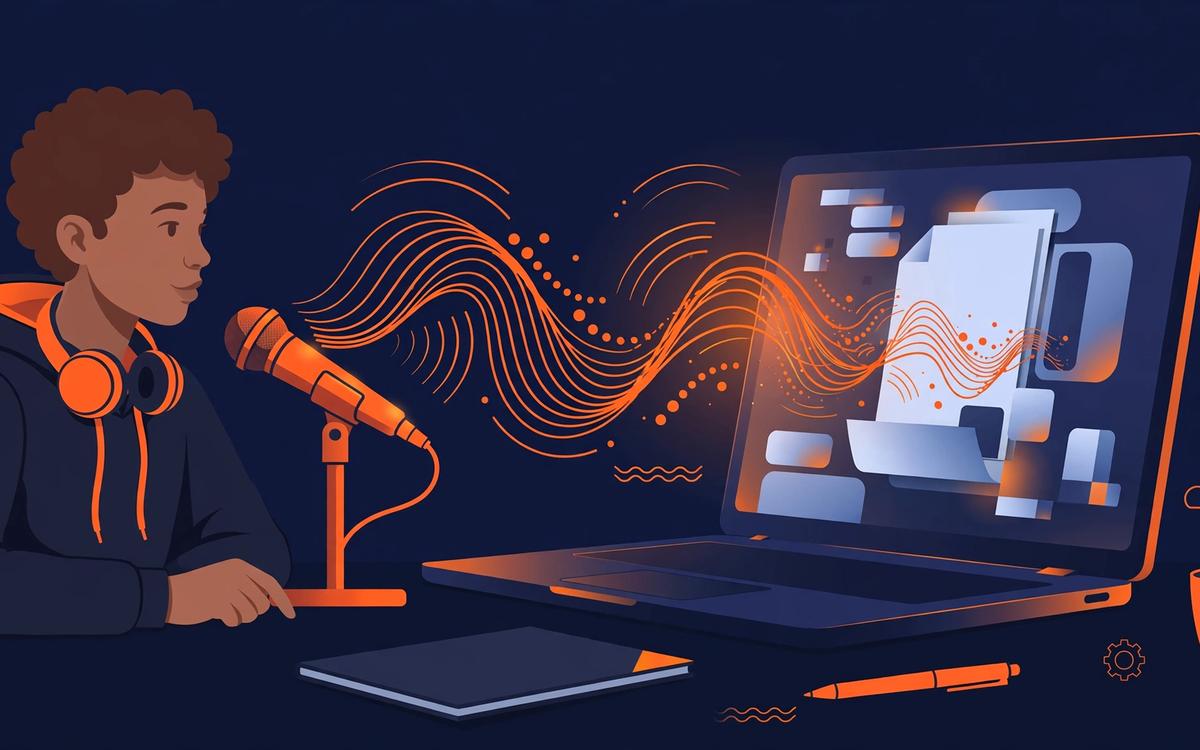
Now the other job. It's 9:30, the standup just ended, and you need to send the follow-up email. You open Gmail, put your cursor in the compose box, hold a hotkey, and say: "Thanks for the call. Here's what we agreed, first draft by Friday." The words appear with punctuation already cleaned up, the tone nudged formal because you're in an email app. You skim it, hit send. That took 40 seconds.
At noon you reply to three Slack messages by voice from your phone. At two you dictate meeting notes into your own notes app while the call is fresh. None of this involves a recording. The mic is only open while you hold the key. The output lands wherever your cursor already is.
This is the workflow the search "Otter.ai alternative for dictation" is really asking about. Tools in this category include Wispr Flow, the dictation built into Windows and Mac, and Oravo: hold a key, speak, get polished text in any app. Oravo's free tier covers 5,000 words with no credit card, and it adapts its tone to the app you're in, so Slack stays casual and email stays professional.
The honest limitation: dictation writes what you say. It doesn't know who said what on a call, it doesn't summarize, and if you point it at a 45-minute meeting you'll get a wall of your own half-sentences, not notes.
The blurry middle (and why it still doesn't merge)
The two categories touch in exactly one place now: meeting capture without the bot. A newer breed of notetaker doesn't join your call as a visible participant at all. It records from your side of the computer and produces the summary, decisions, and action items afterward. Oravo's Notetaker works this way at oravo.ai/notetaker: no "Otter.ai" guest sitting in your meeting, no announcement, just the record after the fact. Wispr Flow added a similar bot-free notetaker in 2026.
This is genuinely useful if you find it awkward when a bot named after a company joins your calls. But don't let it confuse you into thinking the categories merged. A bot-free notetaker is still a meeting tool: other people talk, you read later. A dictation app is still a writing tool: you talk, the computer types now. The person doing the talking decides which one you need, not the marketing page.
So which one do you actually need?
If your day looks like this: "I sit in calls and need notes I can search later"; You want: A meeting notetaker (Otter, or a bot-free one if you dislike the guest joining)
If your day looks like this: "I write emails, messages, and documents and wish I could just say them"; You want: A dictation app
If your day looks like this: "I want both: meeting notes and writing by voice"; You want: One of each. They pair well: the notetaker captures the meeting, dictation writes the follow-up.
If your day looks like this: "I need to transcribe interviews or lectures I recorded"; You want: A meeting notetaker with file import, which Otter has
One more filter worth applying: privacy posture. Cloud meeting tools upload your calls' audio to their servers by design; that's how a shared-meeting service works. A dictation tool like Oravo only opens the mic while you hold the hotkey and states zero data retention for voice recordings and transcripts. Neither is "unsafe," but if you dictate patient notes or legal memos, the smaller the data trail, the better. Read the actual privacy page, not the landing page, before either one touches sensitive work.
Can one tool do both?
Poorly. You can technically dictate into Otter's mobile app and copy-paste the text into your email, the way you'd technically use a screwdriver as a chisel. It works, it's slow, and the formatting cleanup you take for granted in a real dictation app isn't there. Going the other way is worse: pointing a dictation app at a meeting gives you an undifferentiated transcript with no speaker labels, no summary, and no way to jump to the moment someone said the thing.
People who genuinely need both use both. It's the most common setup among people who write a lot and meet a lot: the notetaker sits through the calls, dictation handles the writing between them. The pair costs less than one wrong subscription you keep paying for out of guilt.
From experience: two gotchas worth knowing
First, the "say punctuation out loud" problem is mostly solved. Older dictation made you say "comma" and "new paragraph" like a courtroom stenographer. Modern AI dictation apps format as they go, including tone. If you try one and catch yourself narrating punctuation, that's the app telling you it isn't very good.
Second, test a dictation app on the ugliest part of your day, not the prettiest. Everyone demos dictation on a clean sentence. Your actual test is the rambling, half-formed reply you write while making coffee. A good app cleans it into something you'd send. A bad one transcribes every "um" and leaves you editing longer than typing would have taken.
Frequently asked questions
Is Otter a dictation app? No. Otter is a meeting transcription and note-taking assistant. It doesn't offer a system-wide dictation hotkey, and it isn't designed to type into your other apps.
Can I use Otter to dictate emails? Only awkwardly: speak into the Otter mobile app, then copy the transcript into your email. There's no hotkey-to-cursor flow, which is the whole point of dictation.
What's the best free option for each job? For meetings, Otter's free tier (300 minutes a month) or a bot-free alternative's trial. For dictation, the built-in Windows or Mac dictation costs nothing and handles short everyday text; a free tier of a dedicated app like Oravo's 5,000 words is the step up when you want tone adaptation and punctuation cleanup.
Which should I try first? Whichever matches your single most annoying writing task. If that task starts with a call, start with the notetaker. If it starts with an empty email compose box, start with dictation.
The search that brought you here had the right instinct and the wrong framing. You don't need an Otter alternative that dictates. You need to decide whether you're hiring a note-taker for your meetings or a typist for your voice. Most of the time, the answer to that question was obvious before you finished reading the sentence.
If the answer was "a typist for my voice," Oravo's free tier is a reasonable place to start: 5,000 words, no credit card, works wherever your cursor is.
Written by
Raju Yadav
The Oravo team writes about voice typing, productivity and writing clear English when it is not your first language.