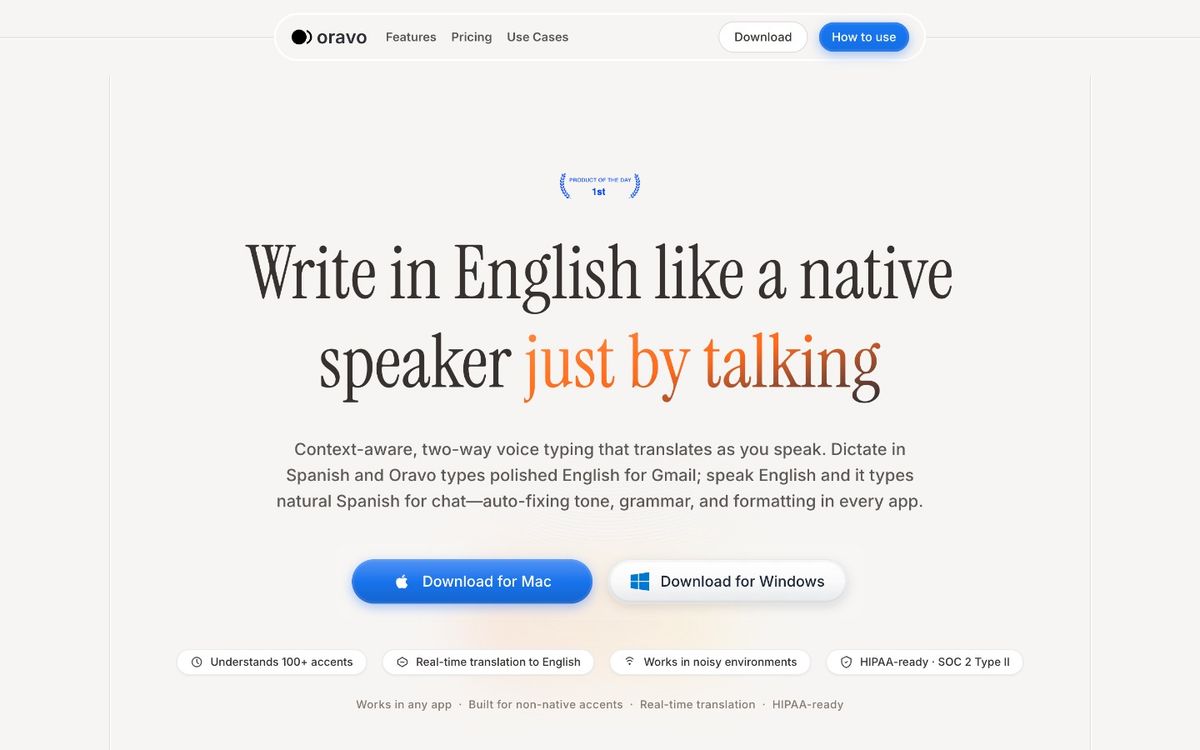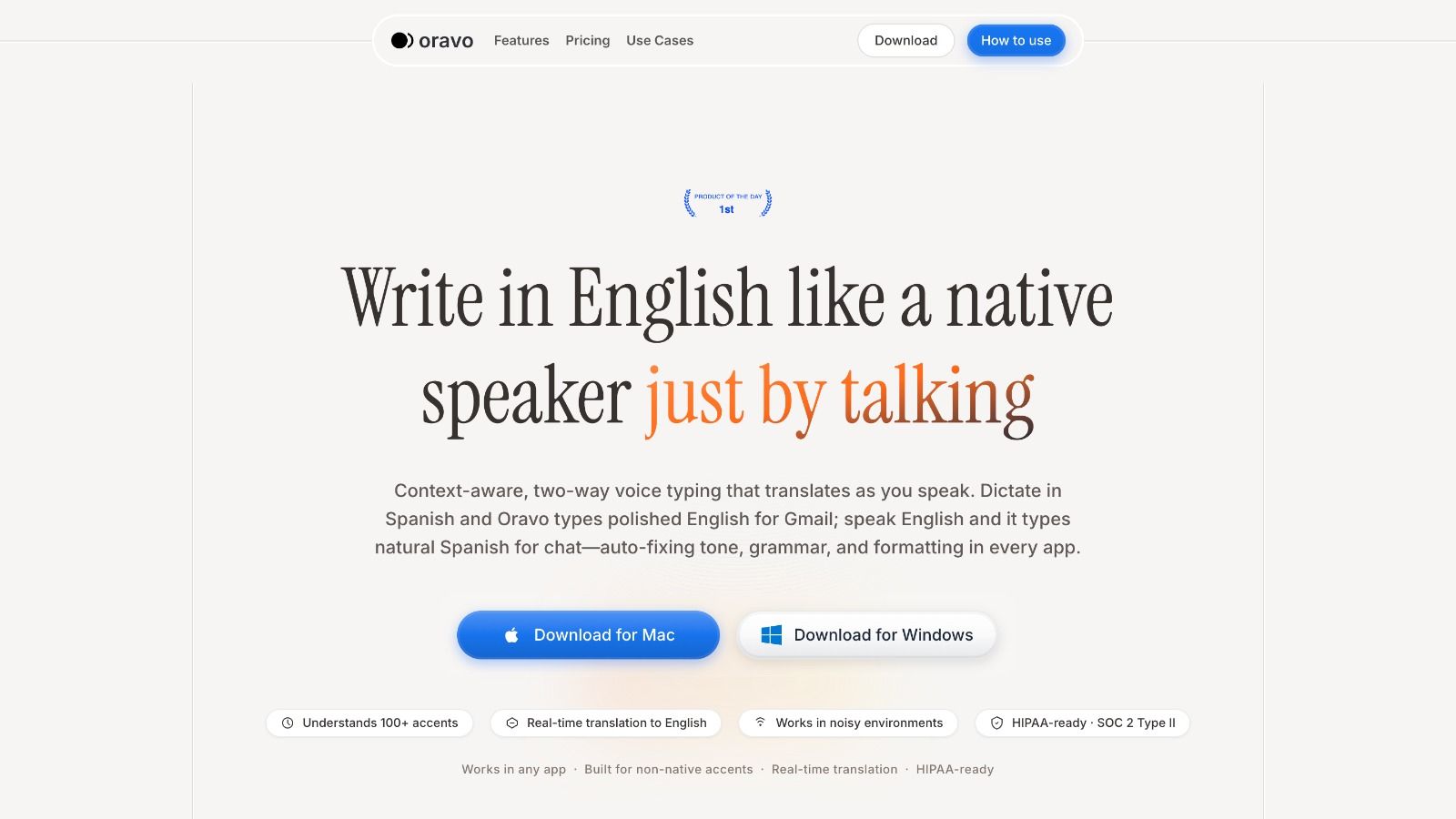
Wispr Flow does not currently offer an Android app -- it is Mac-only. The best Wispr Flow alternatives for Android in 2026 are Oravo, Voicenotes, Otter.ai, Gboard Voice Typing, and Speechnotes. For Android users who need what Wispr Flow promises -- AI-powered dictation with clean, professional output -- Oravo is the closest equivalent, offering accent-aware transcription and a professional English refinement layer that works inside Gmail, Slack, and WhatsApp through Chrome on Android.
Why Android Users Are Searching for a Wispr Flow Alternative
Wispr Flow has built a strong reputation in the AI voice dictation space, particularly among Mac users who need system-wide voice typing with an AI layer that cleans up spoken input before it reaches any text field. The pitch is compelling: speak naturally, get professional output, skip the correction loop.
The problem for Android users is simple. Wispr Flow does not have an Android app. As of 2026, Wispr Flow is a Mac-only product. Android users who read about it, hear about it from colleagues, or try it on a Mac and want to replicate the experience on their Android phone or tablet are left looking for something that does not officially exist yet.
This article maps what does exist -- the Android tools that come closest to Wispr Flow's core value proposition -- and is honest about the gaps between each option and what Wispr Flow actually delivers on Mac.
What Wispr Flow Actually Does -- The Baseline to Match
Before evaluating alternatives, it helps to be precise about what Wispr Flow does that makes it worth seeking out.
System-wide AI dictation. Wispr Flow works in any text field on a Mac -- not just browser apps, not just specific applications. You activate it with a hotkey, speak, and the AI-processed text appears wherever your cursor is. Email client, Slack, Notion, a code editor, a terminal -- anywhere.
AI-powered cleanup. Wispr Flow does not just transcribe. It applies an AI layer that removes filler words, smooths grammar, and converts casual spoken input into cleaner written output. This is the feature that separates it from Gboard voice typing and similar raw transcription tools.
Fast activation. The hotkey trigger makes Wispr Flow feel like a native part of the operating system rather than a separate app to manage.
The gap it does not address. Wispr Flow's AI cleanup layer was built primarily for native English speakers. For professionals with non-native accents or for Hinglish, Spanglish, or other code-switching speakers, the transcription accuracy baseline and the refinement depth are not optimized for their input. This is the gap that Oravo specifically addresses.
With that baseline established, here is what Android users actually have to work with.
At a Glance: Best Wispr Flow Alternatives for Android
Tool
AI Output Refinement
Accent Support
System-Wide on Android
Works In
Best For
Oravo
Yes -- full professional tone refinement
Excellent -- accent correction built in
No -- browser text fields via Chrome
Gmail, Slack, WhatsApp Web, Google Docs
Non-native professionals needing clean output
Voicenotes
Partial -- summary and cleanup features
Moderate
No -- within app only
Voicenotes app; export to other apps
Voice note capture with AI summarization
Otter.ai
Partial -- meeting transcription focus
Moderate
No -- within app only
Otter app; meeting platforms
Meeting transcription and note-taking
Gboard Voice Typing
No -- raw transcription
Moderate -- standard English optimized
Yes -- any Android text field
All Android apps
Quick casual dictation; free system-wide option
Speechnotes
No -- raw transcription
Moderate
No -- within app only
Speechnotes app
Long-form focused dictation sessions
Deep-Dive Reviews: Every Wispr Flow Alternative for Android
Oravo -- The Closest Thing to Wispr Flow for Android Professionals
If what you need from Wispr Flow is the AI output layer -- the part that turns casual, imperfect spoken input into clean, professional written text -- Oravo is the most direct Android equivalent in 2026.
The comparison is not perfect. Wispr Flow achieves system-wide integration on Mac that Oravo does not replicate at the OS level on Android. But for the portion of the workflow that matters most -- professional communication in Gmail, Slack, and WhatsApp -- Oravo covers the ground that Wispr Flow's Mac users value most, with additional capabilities that Wispr Flow does not offer.
What Oravo does that Wispr Flow does not
Wispr Flow's AI cleanup layer was built around native English speech. It smooths and refines, but it does not correct for accent-related transcription errors and it does not specifically address the patterns of non-native English speech.
Oravo was built explicitly for non-native English speakers. The transcription layer was trained on a globally diverse accent corpus. The refinement layer understands the specific patterns of Indian English, Hinglish, Spanglish, Taglish, and other code-switching modes and converts them to standard professional English automatically.
For an Android user who found Wispr Flow appealing but is not a native English speaker, Oravo does not just replicate Wispr Flow's value proposition -- it extends it.
How Oravo works on Android
Oravo operates through Chrome on Android. Open Gmail, Slack, or WhatsApp Web in Chrome, tap any text field, activate Oravo, speak, and the refined professional output appears in the field. No APK install. No developer mode. No configuration.
The processing happens in the cloud, which means the Android device hardware is not a constraint. A mid-range Android phone with Chrome delivers the same Oravo output quality as a flagship device.
The Wispr Flow comparison directly
Wispr Flow on Mac: hotkey activation, system-wide text field coverage, AI cleanup for native English, no accent correction, no code-switching support.
Oravo on Android: Chrome activation, browser text field coverage, AI cleanup plus professional refinement, accent correction, code-switching support.
The system-wide coverage is Wispr Flow's advantage. The accent support and refinement depth are Oravo's advantages. For the majority of Android users searching for a Wispr Flow alternative in markets like India, Southeast Asia, Latin America, and Africa, Oravo's advantages are the ones that matter more.
Oravo summary
- AI refinement: Full -- tone, grammar, register, filler removal, L1 pattern correction
- Accent support: Excellent -- Indian English, Hinglish, and other non-native accent profiles specifically supported
- System-wide: No -- Chrome browser text fields on Android
- Offline: No -- cloud processing required
- Cost: Free trial; paid plans available
- Best for: Non-native English Android professionals writing in Gmail, Slack, WhatsApp, or Google Docs
Voicenotes -- AI Summarization Without Real-Time Refinement
Voicenotes is a mobile-first voice note application that uses AI to process captured voice notes after recording. You speak, the app records and transcribes, and then an AI layer generates summaries, extracts action items, and organizes the content.
Where Voicenotes fits as a Wispr Flow alternative
For Wispr Flow users whose primary use case is capturing thoughts, meeting notes, or ideas rather than composing messages to send to other people, Voicenotes is a reasonable alternative. The AI processing layer does add value -- getting a structured summary of a rambling voice note is genuinely useful.
Where Voicenotes falls short of Wispr Flow
Voicenotes is not a real-time dictation tool. The AI processing happens after the recording is complete, not inline as you speak. For the core Wispr Flow use case -- dictating a message or document and having it come out ready to send or share -- Voicenotes adds a workflow step rather than removing one.
The output from Voicenotes is also not formatted as ready-to-send communication. It is a transcription with AI-generated structure, designed for personal note use rather than external professional messaging.
There is no accent correction layer. Transcription accuracy for non-native accents follows the same pattern as other tools using standard ASR engines -- acceptable for clear speech, less reliable for fast speech or regional accents.
Voicenotes summary
- AI refinement: Post-recording summarization and structuring; not real-time inline refinement
- Accent support: Moderate -- standard ASR accuracy limitations apply
- System-wide: No -- operates within the Voicenotes app
- Best for: Personal note capture with AI organization; not for real-time professional message composition
- Wispr Flow similarity: Low -- different workflow model and use case
Otter.ai -- The Meeting Transcription Tool That Gets Miscast as a Dictation App
Otter.ai is one of the most recognized names in voice-to-text on mobile, with a large user base and significant brand presence in the productivity space. It appears frequently in "best voice dictation" comparisons and is often cited as a Wispr Flow alternative.
The honest assessment is that Otter.ai was built for meeting transcription, not for the real-time professional message dictation that Wispr Flow serves.
What Otter.ai does well
For recording, transcribing, and summarizing meetings -- particularly Zoom, Google Meet, and Teams calls -- Otter.ai is one of the more capable consumer tools available. It identifies speakers, generates summaries, extracts action items, and produces a searchable transcript archive of recorded meetings.
The AI features are genuinely useful in this context. Automated summaries reduce the time required to process meeting notes. Speaker identification makes transcripts easier to follow. The action item extraction surfaces commitments that might otherwise be buried in a long transcript.
Where Otter.ai falls short as a Wispr Flow alternative
Otter.ai is not designed for real-time composition of individual messages. It is designed to passively record conversations and process them afterward. Using Otter.ai to compose a Slack message or draft an email requires a workflow that does not match the tool's design: record, wait for processing, extract the relevant portion, copy to the target application. This is the opposite of Wispr Flow's inline, real-time activation model.
The transcription accuracy for non-native accents is not meaningfully better than standard ASR engines. There is no professional tone refinement for individual message composition. The tool does not handle code-switching.
Otter.ai summary
- AI refinement: Meeting-focused summarization; not inline message refinement
- Accent support: Moderate -- standard ASR accuracy profile
- System-wide: No -- operates within the Otter app and meeting integrations
- Best for: Meeting transcription and note summarization
- Wispr Flow similarity: Low -- different primary use case; workflow does not replicate Wispr Flow's real-time dictation model
Gboard Voice Typing -- The System-Wide Option That Matches Wispr Flow's Coverage but Not Its Quality
If the feature of Wispr Flow that matters most to you is system-wide coverage -- the ability to dictate in any app, not just browser apps -- then Gboard voice typing is the only Android option that genuinely matches that capability.
Gboard works in every Android text field. WhatsApp, Gmail, Slack's native app, Instagram DMs, your bank's app, a note-taking app you installed last week -- any text field that accepts keyboard input accepts Gboard voice typing. No other alternative in this comparison offers that breadth of coverage on Android.
The significant trade-off
Gboard's system-wide reach comes with the same trade-off that defines every default Android dictation tool: raw transcription with no AI refinement layer. Wispr Flow's value is not just that it works everywhere -- it is that what it produces is cleaner than raw transcription. Gboard's system-wide coverage without the AI output layer replicates Wispr Flow's reach while missing its purpose.
For native English speakers doing casual, short-form dictation where the correction overhead is low, Gboard is a practical system-wide solution. For non-native English speakers or anyone producing professional communication where output quality matters, Gboard's absence of a refinement layer is a disqualifying gap.
Gboard summary
- AI refinement: None -- raw transcription only
- Accent support: Moderate -- standard English optimized; accuracy drops with non-native accents
- System-wide: Yes -- any Android text field
- Best for: Native English speakers; casual short-form dictation; free system-wide coverage
- Wispr Flow similarity: Medium on coverage; low on output quality
Speechnotes -- Focused Dictation Without the Intelligence Layer
Speechnotes is a dedicated dictation interface for Android that provides a clean, focused environment for voice input. It uses Google's speech recognition engine and adds a purpose-built UI around it -- a distraction-free dictation screen, punctuation shortcuts, and export options.
Where Speechnotes fits
For professionals who want a focused dictation environment rather than keyboard-integrated voice typing, Speechnotes provides a better experience than the Gboard microphone for longer dictation sessions. The dedicated screen keeps attention on the dictation task. The export to Google Drive and email makes it practical as a first-draft capture tool.
Where Speechnotes falls short of Wispr Flow
Speechnotes has no AI output layer. It transcribes using Google's ASR engine and delivers the raw result. The focused interface improves the experience of dictating, not the quality of what is produced. Filler words, grammar patterns from native languages, and register mismatches all appear in the output as spoken.
The workflow also requires a copy-paste step into the destination app, unlike Wispr Flow's inline activation.
Speechnotes summary
- AI refinement: None -- Google ASR transcription only
- Accent support: Moderate -- inherits Google's standard English optimization
- System-wide: No -- operates within the Speechnotes app
- Best for: Long-form focused dictation sessions; first-draft capture
- Wispr Flow similarity: Low -- similar activation concept but no AI output layer
The Feature Gap Matrix: What Wispr Flow Does vs. What Android Offers
The honest picture of the Wispr Flow alternative landscape on Android is this: no single Android tool fully replicates Wispr Flow's Mac experience. The gap comes down to two features.
System-wide OS integration is the feature Wispr Flow achieves on Mac that no third-party Android app currently replicates with the same seamlessness. Gboard covers this at a basic level, but without the AI layer. Oravo covers the AI layer, but within browser text fields rather than system-wide.
AI output refinement is the feature that makes Wispr Flow worth using in the first place. Among all Android alternatives, only Oravo provides a genuine AI output layer that produces professional-grade text from natural spoken input.
For Android users who need both simultaneously, the current answer is: Oravo for browser-based communication plus Gboard for native app text fields. That is two tools where Wispr Flow is one, but it covers the full Android workflow with the quality layer that matters for professional output.
For Android users who primarily communicate through browser-accessible applications -- which covers Gmail, Slack Web, WhatsApp Web, Google Docs, Notion, and most enterprise SaaS tools -- Oravo alone covers the relevant use case with output quality that Gboard cannot match.
Who Is Most Affected by Wispr Flow's Android Absence
Indian and South Asian professionals
Wispr Flow's reputation has spread through LinkedIn and productivity communities across India, where professionals who use Mac have adopted it enthusiastically. Android penetration in India is above 95%. The vast majority of Indian professionals who want what Wispr Flow offers are using an operating system Wispr Flow does not support. Oravo's specific strengths -- Indian English accent support, Hinglish code-switching handling, Indian professional English pattern recognition -- make it a better fit for this audience than Wispr Flow would be even if it came to Android.
Southeast Asian and African professionals
The same dynamic applies across Southeast Asia and Sub-Saharan Africa, where Android dominates and English is widely used as a professional language by non-native speakers. The Wispr Flow product was not built with these users in mind even on Mac. Oravo was.
Remote workers on Android using cloud-based tools
The shift to remote work has made browser-based tools the primary communication layer for a large portion of the global workforce. A professional who works in Google Workspace, Slack, and WhatsApp spends the majority of their communication time in browser-accessible applications. For this user, Oravo's browser coverage on Android is not a limitation -- it is precisely where the work happens.
Setting Up the Best Wispr Flow Alternative Workflow on Android
For the professional whose communication is primarily browser-based:
Step 1: Open Chrome on your Android device and go to oravo.ai. Step 2: Create a free account. No credit card required. Step 3: Open Gmail, Slack Web, or WhatsApp in Chrome. Step 4: Tap the text field where you want to compose. Activate Oravo. Speak. Step 5: Review the refined output and send.
This workflow delivers AI-processed professional output in the applications where most professional communication happens, without any technical setup beyond a two-minute account creation.
For the professional who also needs system-wide coverage in native Android apps:
Use Oravo for browser-based communication (Gmail, Slack Web, WhatsApp Web, Google Docs). Use Gboard Voice Typing for native app text fields where browser access is not available. Accept that native app dictation will produce raw transcription output and budget a brief review step for those messages.
This is a two-tool workflow where Wispr Flow on Mac is a one-tool workflow. It is a real trade-off and worth naming directly. The professional writing quality difference between Oravo and Gboard for non-native English speakers is significant enough that using both in their respective contexts is meaningfully better than using Gboard for everything.
Frequently Asked Questions
Is Wispr Flow available on Android?
No. As of 2026, Wispr Flow is a Mac-only product. There is no official Android app. Android users looking for equivalent functionality need to use an alternative tool.
What is the closest equivalent to Wispr Flow on Android?
Oravo is the closest equivalent for the core Wispr Flow value proposition -- AI-powered dictation that produces professional-grade output from natural spoken input. The primary difference is that Oravo on Android works within Chrome browser text fields rather than system-wide across all apps, which is a coverage trade-off relative to Wispr Flow on Mac.
Does Oravo work in WhatsApp on Android?
Oravo works in WhatsApp Web accessed through Chrome on Android. It does not work in the native WhatsApp Android app, which uses the system keyboard. For WhatsApp communication through the browser, Oravo provides full accent correction and professional refinement. For the native app, Gboard voice typing is the available option.
Can I use Oravo in the Slack Android app?
Oravo works in Slack accessed through Chrome on Android. It does not integrate with the native Slack Android app. For professionals who use Slack primarily in the browser (or who are willing to shift Slack usage to Chrome on Android), Oravo provides full functionality. For those committed to the native Slack app, Gboard is the dictation option within that app.
What does Wispr Flow do that no Android alternative currently replicates?
Wispr Flow's system-wide Mac integration -- hotkey activation in any text field across any application -- is not replicated by any Android alternative. On Android, the closest approximation is Gboard (system-wide but no AI output) or Oravo (AI output but browser-only). No single Android tool currently matches Wispr Flow's combination of system-wide reach and AI output quality on Mac.
Is Oravo more suitable than Wispr Flow for non-native English speakers, even on Mac?
For non-native English speakers, particularly those with Indian, Southeast Asian, African, or Latin American accents, Oravo's accent-specific training and code-switching support make it a more suitable tool than Wispr Flow even where both are available. Wispr Flow's AI layer was built around native English input. Oravo's was built for global professional English speakers. The difference shows in output quality for non-native users.
The Bottom Line
Wispr Flow is a genuinely good product that Android users cannot access. The search for a Wispr Flow alternative on Android is a search for something the market has not fully delivered yet: system-wide, AI-powered dictation with professional output quality, running natively on Android.
What does exist is closer than it was a year ago.
For non-native English professionals -- which includes the majority of Android users globally who are searching for this product -- Oravo closes the output quality gap that Wispr Flow itself does not fully address. The system-wide coverage gap remains, and it is real. But for the portion of the workflow that professional communication actually depends on -- Gmail, Slack, WhatsApp, Google Docs -- Oravo on Chrome for Android delivers AI-refined professional English output that no other Android tool currently matches.
The choice is not between a perfect Wispr Flow equivalent and a poor substitute. The choice is between Gboard voice typing everywhere with no AI layer, and Oravo in browser apps with the AI layer that changes what dictation actually delivers for non-native English professionals.
For anyone who found Wispr Flow appealing because it promised to close the gap between how you speak and how you need to write, Oravo on Android is the tool that makes that promise and keeps it.
Try Oravo Free on Android -- No Download Required
Open Chrome on your Android device. Go to oravo.ai. Start dictating in Gmail, Slack, or WhatsApp in under two minutes.
Start your free trial at oravo.ai
No APK. No permissions. No setup. Just speak and get professional output -- on Android, finally.
Written by
Dipesh Bhatt
The Oravo team writes about voice typing, productivity and writing clear English when it is not your first language.